Your Cart is Empty


Working Planes in Envisioneer
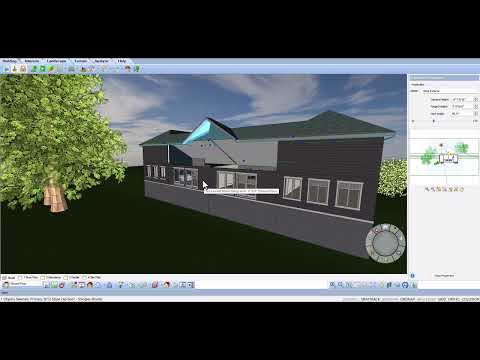

Video From YouTube: Cadsoftcorp
In this informative video by CadSoft, viewers will discover how to effectively manage complex geometry using Envisioneer. The tutorial focuses on extracting a replica surface of the roof, enabling users to create a precise plane for wall extrusion. By demonstrating techniques to raise or lower this surface, the video illustrates how to extend walls beyond the roof or from alternative locations, ensuring seamless integration with the design. With clear guidance, even the most challenging architectural projects become more manageable, making this video an essential resource for anyone looking to enhance their skills in Envisioneer.
If you like this content please subscribe to the Cadsoft YouTube Channel

Browse Cadsoft Products
3D Architectural Design Software
Also in Design News