Your Cart is Empty


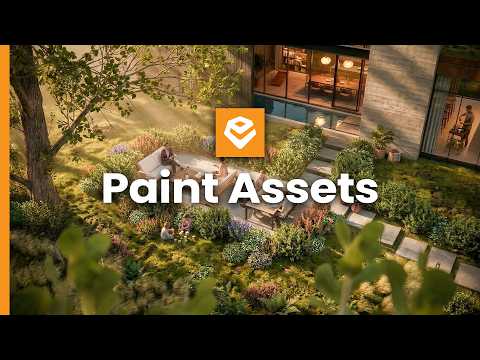
Stop Placing Enscape Assets Manually (Do This Instead)

Video From YouTube: Enscape ArchDesign
This tutorial showcases a revolutionary approach to placing assets in Enscape scenes, moving beyond the tedious manual method. Viewers will discover the powerful Asset Brush Tool, which simplifies the process of enhancing landscapes with a vast array of new Chaos Cosmos assets. The video provides step-by-step guidance on utilizing multi-asset placement, allowing for quick and realistic landscape creation. Key features such as density adjustments and randomization settings—including rotation, scaling, and tilt—are explored to achieve unparalleled realism in seconds. This resource is ideal for anyone looking to streamline their workflow and elevate their visual projects effortlessly.
If you like this content please subscribe to the Enscape 3D YouTube Channel

Browse Enscape 3D Products
Real-Time Rendering With Live Link & VR
Also in Design News