Your Cart is Empty


Make Surfaces Glow in KeyShot Studio | The Emissive Material

Video From YouTube: KeyShot
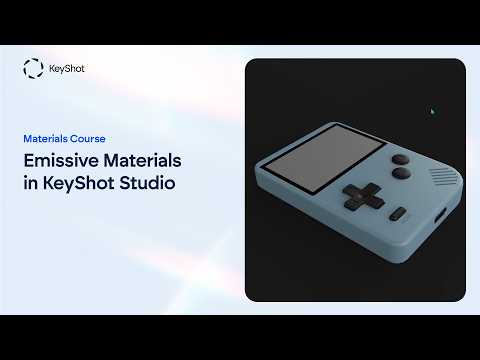
Discover how KeyShot Studio’s Emissive material transforms ordinary surfaces into convincing light sources for LEDs, screens, illuminated logos, and backlit product details. This tutorial explains how to adjust intensity and color, apply textures for animated displays, and enhance realism with Bloom for a soft, natural halo. It also clarifies when Emissive is ideal for visual effects and why it should not replace dedicated lighting for illuminating an entire scene. Whether creating product renders, interface concepts, or futuristic designs, these techniques help produce polished, controllable results while streamlining the visualization workflow. Explore practical methods from Luxion for making digital materials glow.
If you like this content please subscribe to the KeyShot YouTube Channel

Browse Luxion Products
Advanced Lighting Technology
Also in Design News