Your Cart is Empty


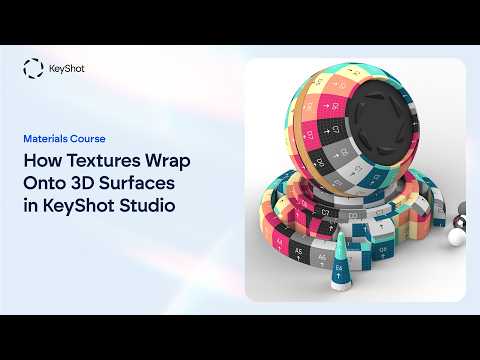
How Textures Wrap Onto 3D Surfaces | All 7 Mapping Types in KeyShot Studio

Video From YouTube: KeyShot
Learn how textures wrap onto 3D surfaces in KeyShot Studio with this practical guide from Luxion. The video explains all seven mapping types and shows how the right choice prevents stretching, visible seams, and misaligned patterns. Explore when to use planar, box, cylindrical, spherical, UV, tri-planar, and node-driven mapping for different geometry and design needs. Special attention is given to Tri-Planar mapping for seamless cross-axis texturing and the Mapping 2D utility node for keeping multiple textures perfectly synchronized. Whether refining materials or building complex product visuals, these techniques help create cleaner, more accurate results and greater control over textured surfaces.
If you like this content please subscribe to the KeyShot YouTube Channel

Browse Luxion Products
Advanced Lighting Technology
Also in Design News