Your Cart is Empty


Corner Bead in Envisioneer
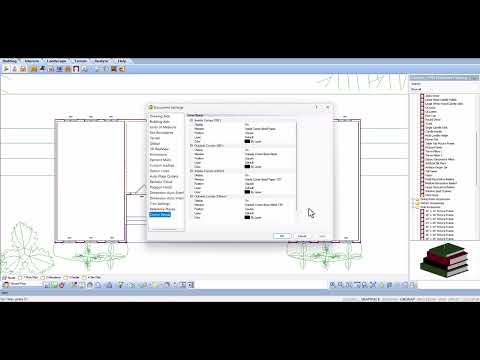

Video From YouTube: Cadsoftcorp
This informative video from CadSoft demonstrates the efficient use of corner bead within the Envisioneer software. It highlights the process of defining, placing, and quantifying corner bead elements, enabling users to enhance their designs with minimal additional effort. By integrating these details, users can significantly improve the accuracy of their material reports, streamlining project workflows. Viewers will learn innovative techniques to effectively incorporate corner bead into their modeling, ensuring precise and professional results. This resource is ideal for architects, builders, and designers looking to optimize their drafting processes and elevate the quality of their construction documentation.
If you like this content please subscribe to the Cadsoft YouTube Channel

Browse Cadsoft Products
3D Architectural Design Software
Also in Design News