Your Cart is Empty


Locking Walls in Envisioneer
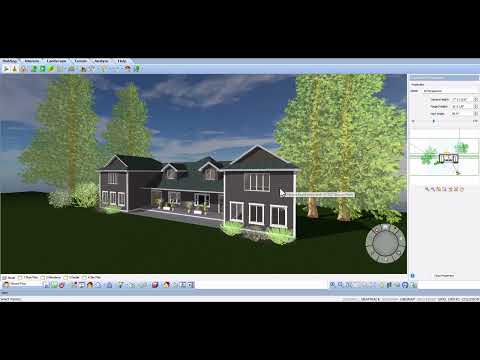

Video From YouTube: Cadsoftcorp
In this instructional video from CadSoft, viewers will discover how to secure their designs by locking walls within Envisioneer. This feature is essential for safeguarding completed structures, ensuring that finalized elements remain intact and free from unintentional changes. By following the demonstrated steps, users can maintain the integrity of their projects while preventing accidental edits. This tutorial provides valuable insights for both novice and experienced users, enhancing their workflow and design accuracy. Learn effective strategies to keep projects on track and achieve professional results with confidence in this informative guide.
If you like this content please subscribe to the Cadsoft YouTube Channel

Browse Cadsoft Products
3D Architectural Design Software
Also in Design News