Your Cart is Empty


Trim on the end face in Envisioneer
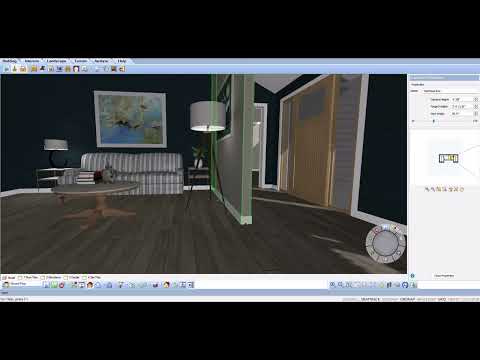

Video From YouTube: Cadsoftcorp
In this informative video from CadSoft, viewers will discover how to efficiently apply trim on the end face of a wall cap using Envisioneer. The tutorial demonstrates the automatic placement of trim based on various parameters, including interior and exterior options, as well as the choice to select no trim. Perfect for designers and architects, this guide streamlines the design process, enhancing precision and aesthetics in architectural projects. By following along, users will learn to enhance their modeling skills and optimize their workflow, ensuring a polished finish in their Envisioneer designs.
If you like this content please subscribe to the Cadsoft YouTube Channel

Browse Cadsoft Products
3D Architectural Design Software
Also in Design News