Your Cart is Empty


Elevate Objects to Precise Heights in Envisioneer
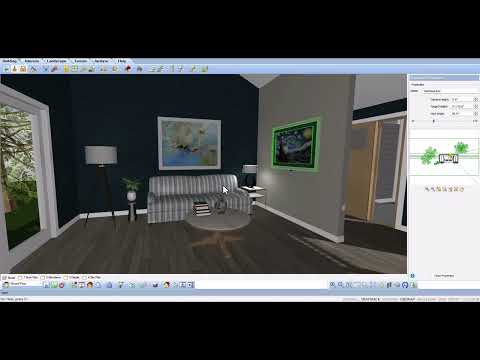

Video From YouTube: Cadsoftcorp
In this informative video by CadSoft, viewers will discover how to achieve precise elevation adjustments for various objects within Envisioneer. With a focus on enhancing control over positioning, the tutorial demonstrates techniques for fine-tuning designs by allowing users to elevate elements relative to their current locations or to specific heights. This capability is essential for creating accurate and visually appealing projects. By following the step-by-step guidance, users will gain valuable insights into optimizing their design workflow and enhancing overall project quality. Perfect for architects, builders, and designers, this video is a must-watch for those looking to elevate their design skills.
If you like this content please subscribe to the Cadsoft YouTube Channel

Browse Cadsoft Products
3D Architectural Design Software
Also in Design News