Chaos Product Line Explained

December 18, 2025 5 min read

Chaos Product Line Explained

Chaos Product Line

The current Chaos lineup, explained in plain English

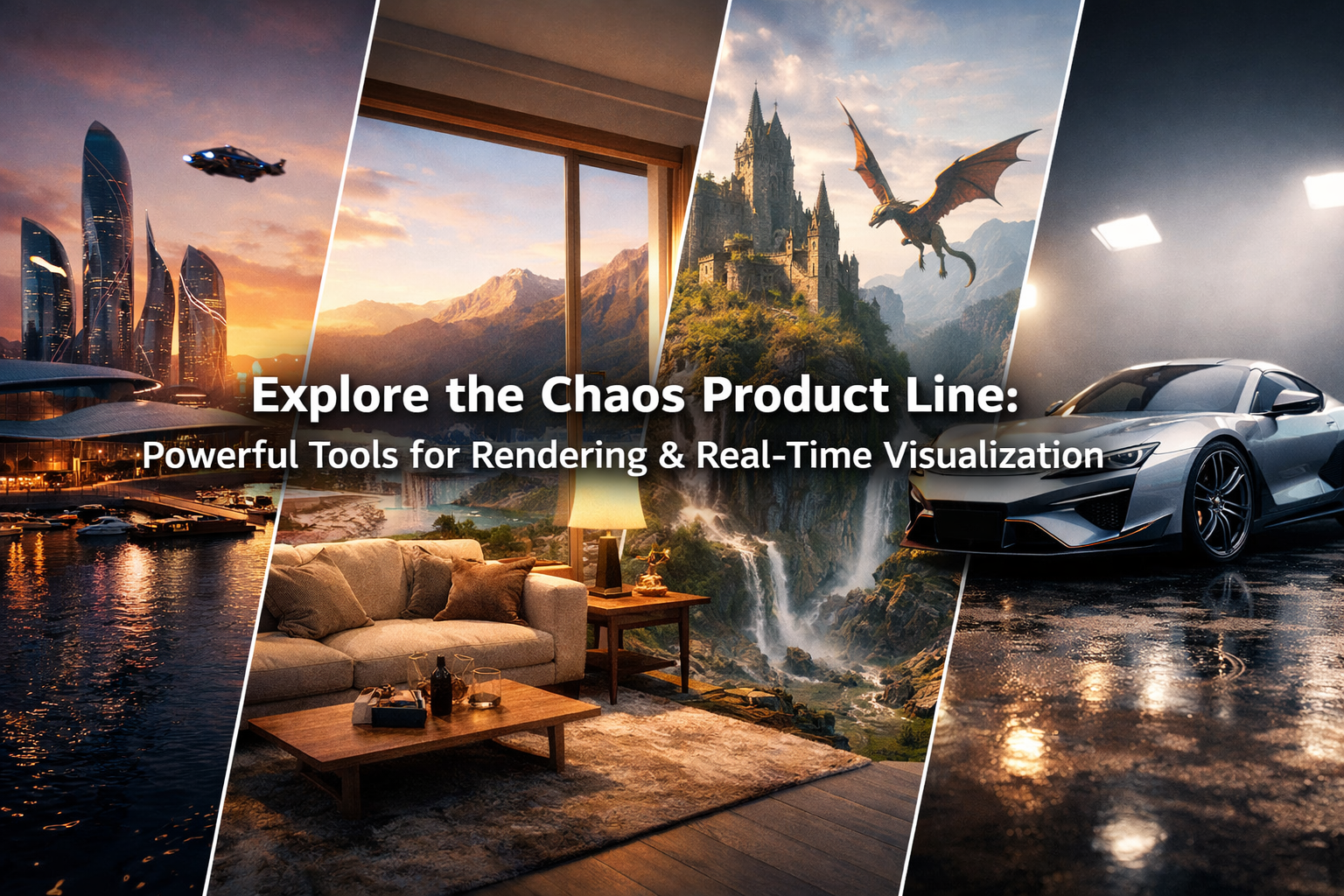
Chaos is an ecosystem: one set of tools to move from ideaassetsphotoreal renderingreal-time presentationsimulationdelivery. The “product line” makes more sense when you see it as a workflow stack rather than isolated apps.


Rendering V-Ray • Corona Real-time Vantage • Enscape • Envision Simulation Phoenix Assets Cosmos • Scans • Anima Cloud Chaos Cloud AI Veras
The Collections

Chaos bundles: one subscription, multiple tools

Chaos “Collections” are curated bundles meant to cover common production workflows. Think of them as pre-built stacks: rendering + assets + real-time + (sometimes) simulation and cloud features.

ArchDesign Collection

Built for architectural design teams: real-time visualization, AI-assisted ideation, and presentation-friendly output.

  • Centered on Enscape
  • Includes Veras (AI visualization)
  • Leverages Cosmos assets and modern presentation tools

ArchViz Collection: V-Ray Edition

For high-end architectural visualization pipelines that need flexible control, broad host support, and scale.

  • Centered on V-Ray Premium
  • Designed for high-fidelity output and large scenes
  • Pairs naturally with Vantage and Cosmos

ArchViz Collection: Corona Edition

For ArchViz artists who want speed and simplicity—plus real-time exploration without rebuilding scenes.

  • Centered on Corona
  • Works closely with Vantage for real-time review
  • Often paired with Anima for populated animations

M&E Collection (Media & Entertainment)

Chaos also offers collection-style licensing for VFX/animation pipelines. On NOVEDGE you’ll find it within the Chaos catalog alongside the renderer tiers and companion tools.

Core Applications

The “pillars” of the Chaos ecosystem

If Collections are the bundles, these are the core apps you’ll see again and again in Chaos workflows.

V-Ray (Solo / Premium)

V-Ray is Chaos’ flagship production renderer—built for photoreal quality, control, and integration across many host applications. On NOVEDGE, V-Ray commonly appears in a tiered structure (Solo vs Premium) and inside V-Ray-focused collections.

  • V-Ray Solo: core rendering for a single-user workflow
  • V-Ray Premium: expanded toolset + ecosystem access (including Cosmos)

Corona (Solo / Premium)

Corona is the renderer built specifically with architectural visualization in mind: fewer knobs, faster onboarding, and reliable realism. Premium tiers unlock deeper ecosystem features (materials, sequence playback, and simulation support).

  • Corona Solo: streamlined ArchViz rendering
  • Corona Premium: ecosystem add-ons like Scans materials + Player + Phoenix integration

Enscape (Solo / Premium + IMPACT)

Enscape is Chaos’ real-time visualization tool for design workflows—built to keep you inside your modeling environment and iterate quickly. Premium tiers expand collaboration and feature depth, and add-ons like IMPACT focus on early-stage building performance insights.

Enscape increasingly connects to Chaos Cosmos (assets) and AI enhancements (where available), making it a strong “hub” for teams that want speed and presentation-ready visuals.

Veras (AI-powered visualization)

Veras is an AI visualization app integrated into popular design tools (and web workflows) to generate design variations and upgrade presentation imagery quickly—without rebuilding the model or scene.

Vantage (real-time, ray-traced scene exploration)

Vantage is designed to let you explore complete V-Ray/Corona scenes in a ray-traced real-time environment—minimizing conversions and workflow friction. It’s a common “bridge” between offline rendering and real-time client review.

Envision (presentation & storytelling)

Envision is positioned as a presentation-focused tool inside the Chaos ecosystem—built to help teams communicate design intent, craft narratives, and present work smoothly across stakeholders.

Simulation, content, and services (the “power-ups”)

These tools expand what you can do inside your renderer/real-time workflows: effects, crowds, better materials, and scalable compute.

Phoenix (fluids, smoke, fire, atmospherics)

Phoenix is Chaos’ dynamics simulator for creating physically-based effects—especially relevant for VFX and for ArchViz scenes that need realism (mist, fire, liquid, etc.).

Anima (people, crowds, traffic)

Anima provides animated humans and vehicles (and crowd tools) so you can populate architectural and urban scenes quickly and convincingly.

Scans (photoreal scanned materials)

Scans is the material library: scanned, real-world surfaces ready to apply to your models. It’s a simple way to raise realism fast—especially for closeups and hero shots.

Cosmos (assets library)

Cosmos is Chaos’ asset library—3D models and materials designed to drop into scenes quickly. It appears across multiple Chaos tools and is a key “glue” layer: if you want faster scene building, Cosmos is often the first add-on that pays for itself.

Cosmos content is frequently referenced in Enscape ecosystem updates and in workflows where speed of scene dressing matters most.

Chaos Cloud (cloud rendering)

Chaos Cloud is the on-demand compute layer: send rendering jobs to the cloud when you need more throughput, faster turnaround, or a simpler way to collaborate and deliver results without managing local render farms.

Quick Buying Guide

Which Chaos path fits your team?

Here’s a practical way to choose without overthinking it.

1) You need production-grade renders

  • Start with V-Ray (control + flexibility)
  • Or start with Corona (speed + simplicity for ArchViz)
  • Add Scans + Cosmos for scene realism & speed
  • Add Cloud to scale when deadlines hit

2) You need faster iteration & reviews

  • Start with Enscape for real-time inside design tools
  • Add Veras for AI ideation and visual upgrades
  • Add Envision to package and present the story
  • Use Cosmos to dress scenes fast

3) You need real-time ray-traced walkthroughs

  • Add Vantage if your scenes are already V-Ray/Corona
  • Keep your pipeline: fewer conversions, faster approvals

4) You need effects, motion, and life

  • Phoenix for fluids/smoke/fire/atmospherics
  • Anima for people, crowds, and traffic
  • Combine with V-Ray/Corona for final-quality output
Cristiano Sacchi
Cristiano Sacchi


Also in NOVEDGE Blog