
Your Cart is Empty


Why Your Redshift Colors Look Wrong
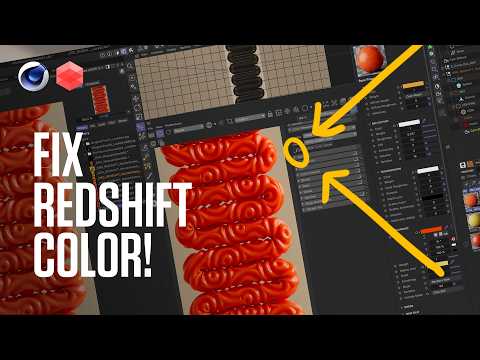

Video From YouTube: Greyscalegorilla
In this informative video, viewers will discover how to resolve issues with color discrepancies in Redshift, particularly when comparing viewport, Picture Viewer, and final render outputs in Cinema 4D. The tutorial reveals a simple button that can effectively address these mismatches, ensuring renders align with expectations. Additionally, a bonus tip is provided to save the new startup layout after applying the fix, making the solution permanent for future projects. Perfect for artists seeking to enhance their rendering workflow, this quick tip offers essential insights for achieving vibrant and accurate results in 3D design.
If you like this content please subscribe to the Greyscalegorilla YouTube Channel

Browse Greyscalegorilla Products
Tools + Training for 3D
Also in Design News






