
Your Cart is Empty


BIM blocks| BricsCAD BIM Essentials V26 | Lesson 10/22
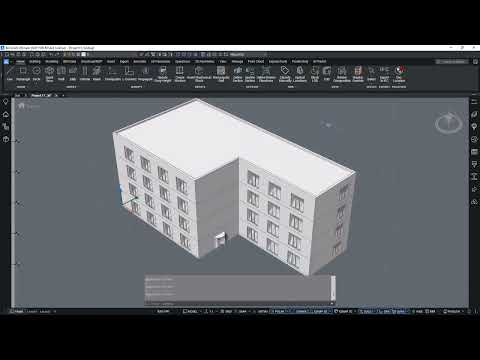

Video From YouTube: Octave BricsCAD
This concise lesson from Graebert demonstrates managing and inserting BIM blocks to add doors, windows, and components efficiently. Using the Library panel, viewers learn inserting blocks with Dynamic UCS, adjusting parameters, creating arrays, and editing block definitions. Parametric block behavior and customization are explained, with examples of curtain wall integration and component coordination. Practical workflows are emphasized to streamline model setup and enhance BIM productivity. Ideal for users seeking hands-on guidance with BricsCAD BIM V26 essentials, the presentation enables rapid adoption of block-based modeling. A 30‑day free trial is available for further practice.
If you like this content please subscribe to the Bricsys YouTube Channel

Browse Bricsys Products
Professional, familiar DWG‐based 2D & 3D CAD
Also in Design News






