Your Cart is Empty


VRED Rendering Tutorial 06: Studio with HDR Light Studio
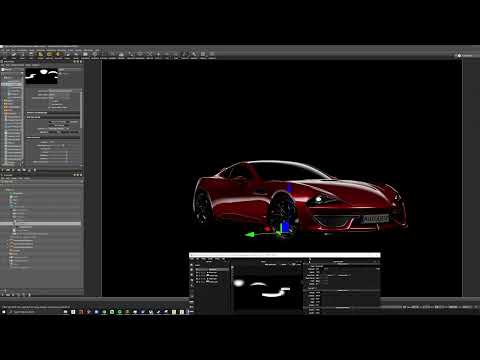

Video From YouTube: Autodesk Design Studio
This tutorial provides a comprehensive guide on integrating HDR Light Studio with Autodesk VRED to create stunning studio-quality automotive lighting efficiently. Viewers will learn how to establish a connection between the two software applications and construct a studio HDRI from the ground up. The tutorial emphasizes the use of innovative Light Paint tools to position lights directly on the car's surface, enhancing rim, reflection, and illumination effects. Key techniques include shaping gradients and defining body lines, as well as duplicating lights for swift adjustments. This session is ideal for anyone looking to elevate their automotive rendering skills effortlessly.
If you like this content please subscribe to the Autodesk Alias YouTube Channel

More Info on Alias
For Industrial Design. Concept adds sketching, fast concept modeling, and visualization
Also in Design News