
Your Cart is Empty


Using the Manipulator in 3D│BricsCAD Essentials Course
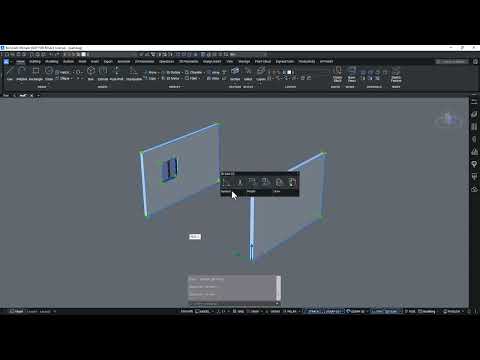

Video From YouTube: Octave BricsCAD
Graebert presents a concise lesson introducing the Manipulator, a versatile grip tool for 3D workflows. The tool enables precise moving, rotating, scaling and mirroring of 3D entities along designated axes or within specific planes, accelerating modeling tasks and improving control. Clear demonstrations cover axis and plane manipulations, snapping behavior, and practical tips for integrating the Manipulator into everyday design routines. Additional training resources, an ad‑free learning experience, completion certificates, and optional progress reminders are available through the Bricsys Learning Platform for those pursuing deeper skill development and structured coursework. It supports both parametric and direct modeling workflows for enhanced productivity.
If you like this content please subscribe to the Bricsys YouTube Channel

Browse Bricsys Products
Professional, familiar DWG‐based 2D & 3D CAD
Also in Design News






