
Your Cart is Empty


Selection Modes│BricsCAD Essentials Course V26
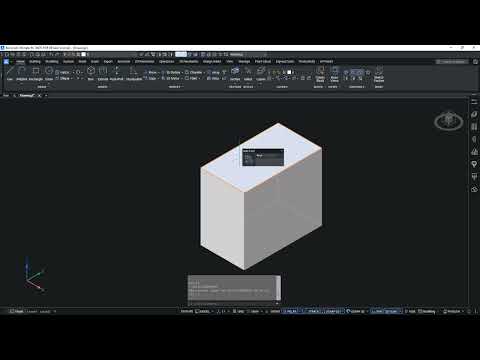

Video From YouTube: Octave BricsCAD
A concise two-minute lesson demonstrates how to use selection modes for 3D models in BricsCAD, highlighting techniques to efficiently select faces, edges, and entities within complex assemblies. Graebert presents practical workflows, tips for switching modes, and methods to speed modelling and editing tasks. Supplemental training resources are available through the Bricsys Learning Platform; enrollment grants access to course materials, an ad-free viewing experience, a completion certificate, and optional study reminders. Ideal for users seeking a quick refresher or those new to 3D selection tools, this tutorial focuses on clarity and immediate applicability to everyday design workflows and modelling precision gains.
If you like this content please subscribe to the Bricsys YouTube Channel

Browse Bricsys Products
Professional, familiar DWG‐based 2D & 3D CAD
Also in Design News






