Your Cart is Empty


Revolutionizing Design: The Integration of Voice and Gesture Controls in Modern Interfaces



Introduction to Voice and Gesture Controls in Design Interfaces
The landscape of design interfaces has undergone significant transformations over the years. Traditionally, designers have relied heavily on keyboard and mouse inputs to interact with software tools, navigating complex menus and commands to bring their creative visions to life. While these methods have been effective, they often present limitations in terms of speed, accessibility, and intuitive use. The emergence of voice and gesture technologies marks a pivotal shift towards more natural and fluid interaction paradigms in design software. By harnessing the power of human speech and movement, these technologies aim to bridge the gap between conceptualization and execution, allowing designers to interact with their tools in ways that more closely mirror natural human communication and expression. In an era where efficiency and innovation are paramount, the integration of voice and gesture controls is not just a technological advancement but a necessary evolution to enhance the intuitive user interactions in modern design software. This shift is poised to redefine how designers approach their workflows, offering unprecedented levels of control and creativity.
Technological Foundations and Integration Methods
The implementation of voice and gesture controls in design interfaces is founded on several key technologies. Natural Language Processing (NLP) plays a crucial role in enabling software to interpret and respond to human speech effectively. By understanding context, semantics, and user intent, NLP allows for accurate voice command recognition, facilitating seamless interactions between the designer and the software. Similarly, computer vision and motion tracking technologies are essential for capturing and interpreting gestures. These systems utilize cameras and sensors to detect movements, translating them into executable commands within the software environment.
Integrating these technologies with existing design software platforms involves sophisticated interfacing and compatibility considerations. Developers must ensure that voice and gesture inputs are mapped correctly to software functions, which often requires extensive customization and support for various programming interfaces. Additionally, maintaining a consistent user experience is critical, necessitating that these new input methods complement rather than disrupt traditional workflows.
Hardware considerations are equally important in this integration process. Effective voice control requires high-quality microphones capable of filtering out background noise to accurately capture user commands. Gesture control, on the other hand, relies on devices such as motion sensors, depth cameras, and increasingly, VR/AR devices that can provide immersive environments for design manipulation. These hardware components must be reliable and responsive to support real-time interaction, ensuring that the implementation of voice and gesture controls enhances rather than hinders the design process.
Benefits and Impact on the Design Workflow
The introduction of voice and gesture controls into design interfaces offers numerous benefits that significantly impact the workflow of designers. One of the most notable advantages is the enhancement of user productivity and efficiency. By allowing designers to execute commands and manipulate design elements using natural speech and movements, these technologies reduce the reliance on traditional input devices, leading to faster task completion and a more streamlined workflow. For instance, a designer can adjust parameters, switch tools, or navigate through complex models with simple voice commands or intuitive gestures, minimizing the time spent on manual adjustments.
Another significant benefit is the improved accessibility for diverse user groups. Voice and gesture controls can make design software more accessible to users with physical disabilities or those who find traditional input methods challenging. By providing alternative ways to interact with software, these technologies promote inclusivity and enable a broader range of individuals to engage in design activities.
The reduction of repetitive tasks through automation is also a key impact of these controls. Designers often perform repetitive actions that can be tedious and time-consuming. Voice macros and gesture shortcuts can automate these tasks, allowing designers to focus more on the creative aspects of their work. This not only enhances efficiency but also reduces the potential for errors associated with manual repetition.
- Enhanced collaboration: Voice and gesture controls facilitate more dynamic collaborative sessions, especially when used in conjunction with VR/AR technologies.
- Emotional engagement: These controls can make the design process more engaging and enjoyable, potentially leading to higher quality outcomes.
Collectively, these benefits underscore the transformative potential of voice and gesture controls in revolutionizing design workflows, making processes more efficient, accessible, and creatively fulfilling.
Challenges and Solutions in Implementing Voice and Gesture Controls
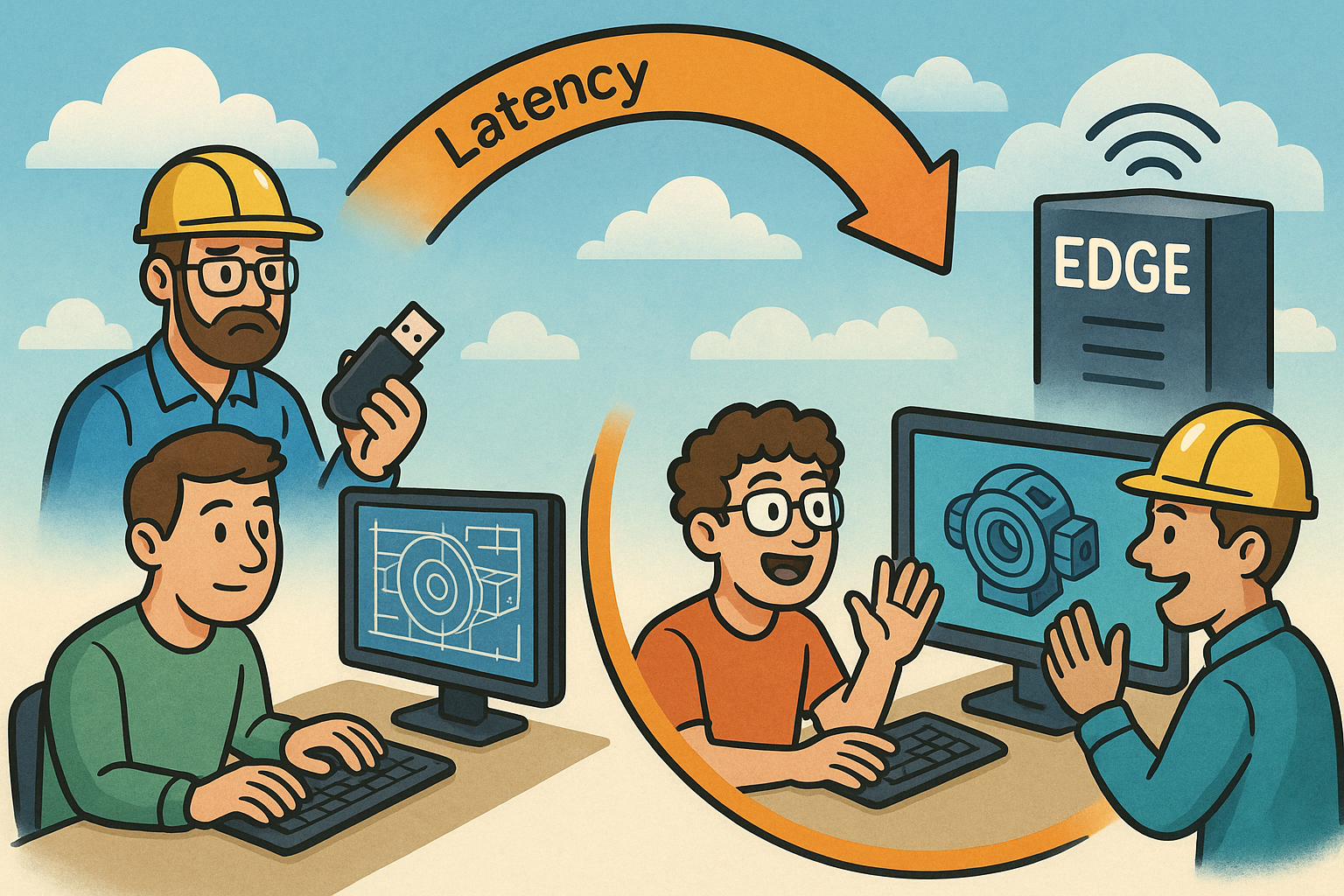
Despite the promising advantages, implementing voice and gesture controls in design interfaces presents several challenges. Technical issues such as accuracy and latency are primary concerns. Voice recognition systems may struggle with accents, speech impediments, or ambient noise, leading to misinterpretation of commands. Similarly, gesture recognition systems require precise detection of movements, which can be affected by lighting conditions or sensor limitations. Latency in processing voice and gesture inputs can disrupt the workflow, causing frustration and reducing productivity.
User adoption and the learning curve associated with new technologies also pose significant challenges. Designers accustomed to traditional input methods may find it difficult to adjust to voice and gesture controls. There may be resistance due to perceived complexity or a lack of confidence in the reliability of these systems. Ensuring compatibility and a seamless user experience is essential to encourage adoption. This involves integrating controls in a way that complements existing workflows rather than replacing them entirely, allowing for a gradual transition.
To overcome these challenges, several strategies can be employed. Technical solutions such as advanced machine learning algorithms can improve the accuracy of voice and gesture recognition systems. Implementing noise-cancellation technologies and enhancing sensor capabilities can also mitigate technical limitations. From a user experience perspective, providing comprehensive user training and support can ease the transition. Educational resources, tutorials, and iterative design improvements based on user feedback can help designers become more comfortable with these technologies.
- User customization: Allowing users to customize voice commands and gestures can enhance usability and personalization.
- Hybrid interaction models: Combining traditional inputs with voice and gesture controls can provide flexibility and reduce the learning curve.
By addressing these challenges proactively, developers and organizations can facilitate the successful implementation of voice and gesture controls, maximizing their benefits while minimizing potential drawbacks.
Conclusion
In summary, the integration of voice and gesture controls in design interfaces represents a significant advancement in how designers interact with their tools. By leveraging technologies such as Natural Language Processing and computer vision, these controls offer more intuitive and natural ways to execute commands and manipulate design elements. The benefits are manifold, including enhanced productivity, improved accessibility, and the automation of repetitive tasks, all of which contribute to a more efficient and creative design process.
Looking ahead, the future outlook for interactive design tools is incredibly promising. As technology continues to evolve, we can anticipate even more sophisticated and responsive voice and gesture control systems. These advancements will likely be further augmented by developments in artificial intelligence and machine learning, leading to interfaces that can anticipate user needs and adapt to individual workflows. The convergence of these technologies will redefine the boundaries of creativity and efficiency in design.
It is imperative for designers and developers to explore and adopt these emerging technologies. Embracing voice and gesture controls can provide a competitive edge, enabling professionals to deliver innovative solutions and push the limits of what's possible in design. By staying ahead of technological trends, designers can enhance their creativity, streamline their workflows, and contribute to the evolution of the industry as a whole.
Also in Design News