Your Cart is Empty


Rapid SketchUp Visuals with a KEY Checkbox
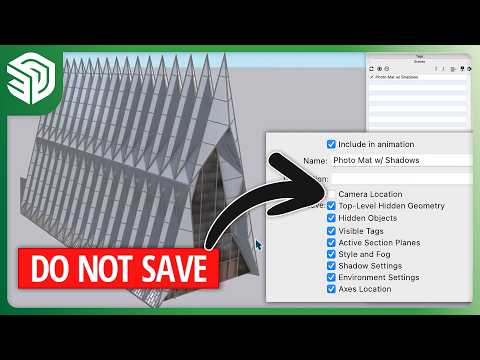

Video From YouTube: SketchUp
This engaging video showcases an innovative method for quickly switching between different styles in SketchUp, enhancing the modeling experience. Viewers will learn how to efficiently utilize the KEY checkbox feature, allowing for seamless transitions without the hassle of navigating through the Style panel. This technique empowers users to showcase their designs in various styles with ease, streamlining the creative process. By incorporating this shortcut, users can focus more on their projects and less on tedious adjustments. For those looking to further develop their skills, additional resources such as community forums and learning platforms are available.
If you like this content please subscribe to the SketchUp YouTube Channel

Browse SketchUp Products
Where great ideas get to work
Also in Design News