Your Cart is Empty


Randomise Animated Proxies in 3ds Max | Random Animated Proxy
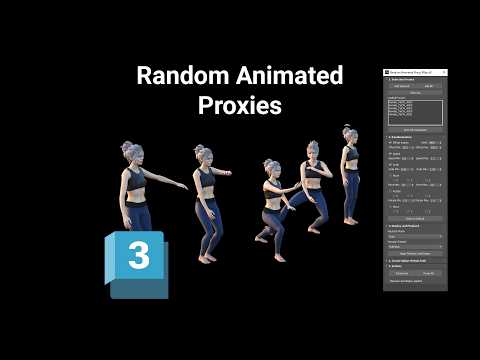

Video From YouTube: SiNi Software
This video showcases a powerful technique for enhancing animated V-Ray and Corona proxy assets in Autodesk 3ds Max using SiNi Random Animated Proxy. Viewers will learn how to introduce natural variation by randomising animation timing, playback speed, and transforms among multiple animated proxies. This approach effectively prevents identical movements in repeated assets, leading to more dynamic and realistic scenes. The tutorial covers practical applications, such as randomising crowd animations, creating diverse traffic movements, and adding variety to animated trees, people, and animals. This technique is essential for artists seeking to elevate their animations and achieve greater realism in their projects.
If you like this content please subscribe to the SiNi Software YouTube Channel

Browse SiNi Software Products
VFX Plugins
Also in Design News