
Your Cart is Empty


Quickly Add Surface Imperfections To Cinema 4D With Smart Send
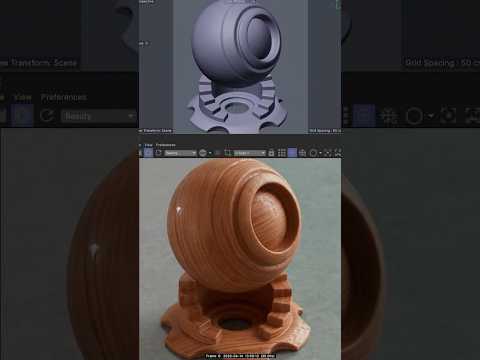

Video From YouTube: Greyscalegorilla
In this engaging tutorial, viewers learn how to enhance the realism of their Cinema 4D renders by incorporating surface imperfections seamlessly into their materials. By utilizing Greyscalegorilla's innovative tools, particularly the Cargo and Surface Imperfections products, artists can effortlessly create the appearance of wear and textural depth. This approach not only elevates the quality of renders but also saves valuable time during the creative process. The video provides step-by-step guidance, making it accessible for beginners and experienced users alike, and emphasizes the importance of detail in achieving professional-looking results. Perfect for anyone looking to improve their 3D projects.
If you like this content please subscribe to the Greyscalegorilla YouTube Channel

Browse Greyscalegorilla Products
Tools + Training for 3D
Also in Design News






