
Your Cart is Empty


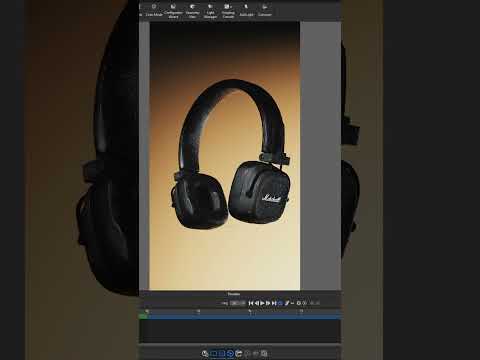
Motion Blur Long Exposure Animation Tutorial - KeyShot Studio #keyshot #3danimation #3drender

Video From YouTube: KeyShot
In this tutorial, viewers will discover how to enhance product renders using a dynamic long-exposure effect in KeyShot Studio. The video begins by demonstrating how to introduce motion to 3D models, featuring a rotation animation as an example. Users will learn to fine-tune the animation's direction and duration, ensuring the motion culminates at the desired angle for optimal product presentation. The tutorial further explains how to enable the Motion Blur feature and adjust shutter speed settings, emphasizing that lower shutter speeds produce more pronounced blur effects. This guide offers valuable techniques for achieving captivating 3D animations.
If you like this content please subscribe to the KeyShot YouTube Channel

Browse Luxion Products
Advanced Lighting Technology
Also in Design News






