Your Cart is Empty


Magnifying Glass Tutorial - How to Create Optical Magnification in KeyShot without Distortion

Video From YouTube: KeyShot
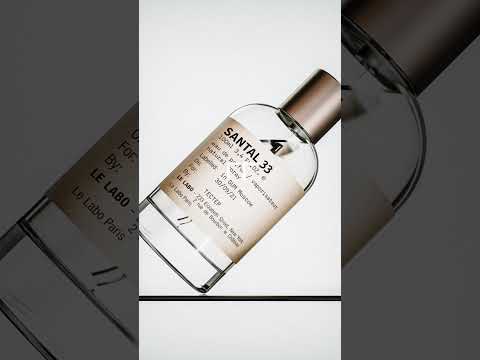
Learn how to create realistic magnification effects in KeyShot Studio with guidance from Luxion. This tutorial demonstrates how proper lens geometry and material settings can produce a clear, right-side-up enlarged view without distracting distortion. It covers modeling a solid glass cylinder with curved surfaces and sufficient thickness, switching the material from Diffuse to Dielectric, and adjusting Refractive Index and Abbe Number for realistic optical dispersion. The workflow also explains how to avoid inverted refractions without resizing the model. Follow these practical techniques to improve product visualization, magnifying glass assets, and transparent materials in KeyShot. Create cleaner, more convincing optical product renders.
If you like this content please subscribe to the KeyShot YouTube Channel

Browse Luxion Products
Advanced Lighting Technology
Also in Design News