Your Cart is Empty


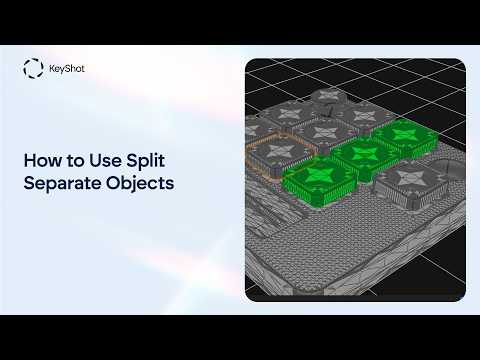
How to Separate Parts Locked Together in KeyShot Studio - Split Separate Objects Tool

Video From YouTube: KeyShot
Imported models can occasionally arrive in KeyShot Studio with multiple parts locked together as a single mesh, making material assignment, editing, and animation more difficult. This tutorial from Luxion demonstrates how to use the Split Separate Objects options to divide connected geometry into individual parts. It also explains how separate elements can be combined into a new component when a unified structure is preferred. With these practical tools, designers and visualization professionals can gain greater control over model organization and streamline their workflow. Follow along with Solutions Engineer Eugen Fetsch to see how efficient object separation can greatly improve flexibility.
If you like this content please subscribe to the KeyShot YouTube Channel

Browse Luxion Products
Advanced Lighting Technology
Also in Design News