
Your Cart is Empty


Introducing the Mechanical Browser panel | Lesson 3/19 | BricsCAD Mechanical Essentials
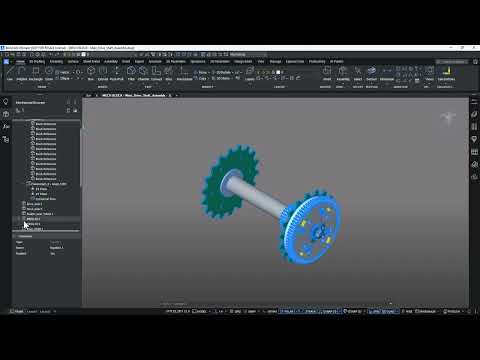

Video From YouTube: Octave BricsCAD
Graebert presents a focused lesson demonstrating how to harness the Mechanical Browser in BricsCAD Mechanical to manage parametric models and assemblies more efficiently. Viewers learn to navigate the hierarchical structure of mechanical entities—parts, features, arrays, constraints and user parameters—while expanding and organizing nodes for clearer project structure. The workflow explains accessing context‑sensitive menus, applying grouped selections for batch edits, and using filters to isolate components. Practical demonstrations show editing parameters, modifying constraints, and reorganizing assemblies to reduce editing time and improve model clarity. Ideal for designers seeking precise control over complex mechanical designs and streamlined data management and collaboration workflows.
If you like this content please subscribe to the Bricsys YouTube Channel

Browse Bricsys Products
Professional, familiar DWG‐based 2D & 3D CAD
Also in Design News






