
Your Cart is Empty


Creating mechanical parts with direct modeling | BricsCAD Mechanical Essentials | 7/19

Video From YouTube: Octave BricsCAD
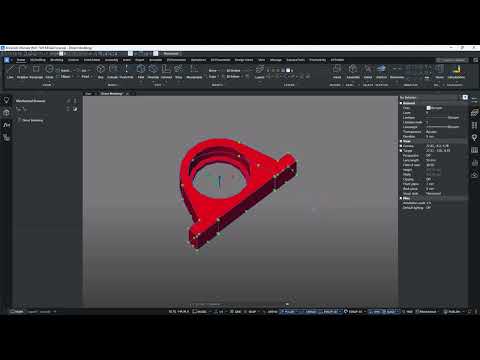
Graebert presents a concise lesson demonstrating creation of a fully modeled mechanical part using BricsCAD Mechanical. The workflow covers converting a drawing into a Mechanical block with BMMECH, constructing an accurate 2D sketch using circles, offsets, rectangles, lines, trim and mirror operations, and transforming the sketch into a 3D solid via boundary detection and EXTRUDE. Direct modeling tools are used to edit geometry, while colors and properties are applied for clarity. Standard feature workflows and para-insert techniques are demonstrated to streamline part creation and assembly preparation, providing practical skills for mechanical design and rapid iteration and efficient production validation process.
If you like this content please subscribe to the Bricsys YouTube Channel

Browse Bricsys Products
Professional, familiar DWG‐based 2D & 3D CAD
Also in Design News






