Your Cart is Empty


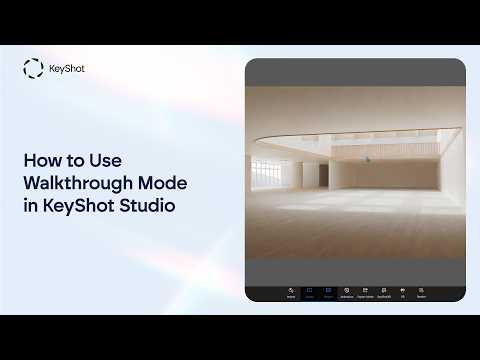
How to Use Walkthrough Mode in KeyShot Studio - for 3D architecture and product display renderings

Video From YouTube: KeyShot
Explore how Walkthrough Mode in KeyShot Studio enables immersive, first-person navigation through detailed 3D scenes. This feature helps architects, designers, and visualization professionals evaluate interior spaces, product displays, storefront layouts, and other rendered environments with greater realism and confidence. The demonstration explains essential navigation controls, movement techniques, and practical ways to inspect scale, composition, materials, and spatial relationships. By simulating an in-scene experience, users can identify design opportunities, present concepts more effectively, and create engaging visualizations for clients and teams. Discover how this intuitive workflow can enhance architectural presentations, product showcases, and design reviews within a professional rendering workflow efficiently.
If you like this content please subscribe to the KeyShot YouTube Channel

Browse Luxion Products
Advanced Lighting Technology
Also in Design News