
Your Cart is Empty


How to Add Weathering, Dirt & Surface Detail with V-Ray Decals in Blender
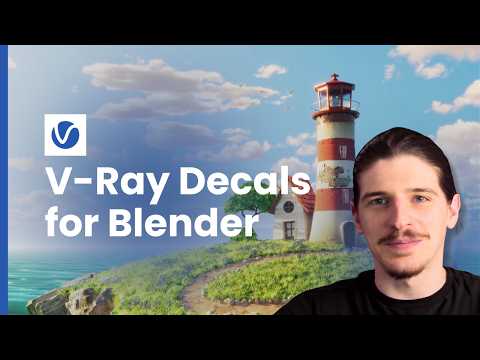

Video From YouTube: Chaos V-Ray
In this comprehensive tutorial by Chaos Group, viewers will learn to enhance realism in 3D models using V-Ray Decals in Blender. The video highlights the importance of adding intricate surface details to flat surfaces, demonstrating techniques to apply elements like painted stripes, exposed brickwork, dirt streaks, and weathering effects. Using a lighthouse scene, the tutorial guides viewers through a layered decal workflow, ensuring a seamless transformation from a clean model to a richly detailed, photorealistic outcome. By the end, participants will be equipped with the skills to assign decals to specific objects without modifying UV layouts, elevating their 3D artistry.
If you like this content please subscribe to the Chaos Group TV YouTube Channel

Browse Chaos Group Products
Powerful and Easy Rendering
Also in Design News






