
Your Cart is Empty


Bill of Materials | BricsCAD Mechanical Essentials | Lesson 13/19
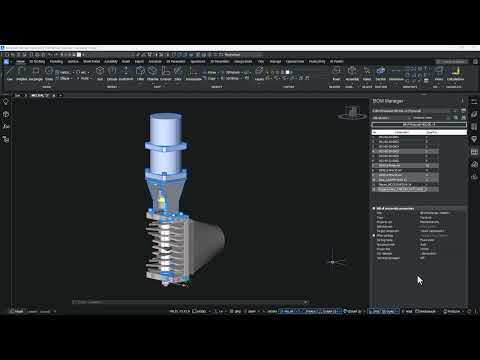

Video From YouTube: Octave BricsCAD
Graebert demonstrates how to create accurate, customizable Bills of Materials in BricsCAD Mechanical to document assemblies and components efficiently. The lesson introduces the BOM Manager panel and explains how engineering BOMs are generated from mechanical blocks and entities. Differences between hierarchical, bottom-level, and top-level BOM types are clarified, and methods to create BOMs from templates or standard configurations are shown. Coverage includes BOM properties, column management, and customization options to match company standards. Practical examples highlight export and reporting workflows for streamlined documentation and manufacturing preparation. Editing, sorting, filtering, and revision control are demonstrated for lifecycle management and parts tracking.
If you like this content please subscribe to the Bricsys YouTube Channel

Browse Bricsys Products
Professional, familiar DWG‐based 2D & 3D CAD
Also in Design News






