
Your Cart is Empty


Custom properties | BricsCAD Mechanical Essentials | Lesson 12/19
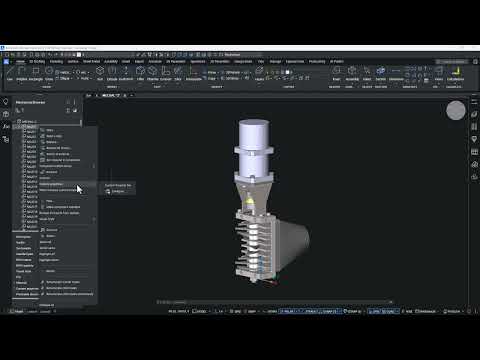

Video From YouTube: Octave BricsCAD
Learn how to manage custom metadata in BricsCAD Mechanical by creating and applying custom properties to mechanical blocks. The lesson demonstrates the Mechanical Properties dialog and the BMPROPERTIES command, covering creation of property sets and definition of property IDs, labels, descriptions, and data types. It explains organizing properties for different mechanical block categories and the distinction between standard and per-instance property sets. Controls for property visibility and techniques for efficient metadata management are shown, enabling clearer documentation and better downstream use of mechanical components. Produced by Graebert. Examples show setup, assignment and export of properties for BOM and integration workflows.
If you like this content please subscribe to the Bricsys YouTube Channel

Browse Bricsys Products
Professional, familiar DWG‐based 2D & 3D CAD
Also in Design News






