Your Cart is Empty


Visualise Surface Normals in 3ds Max and Blender | Display Normals Tool
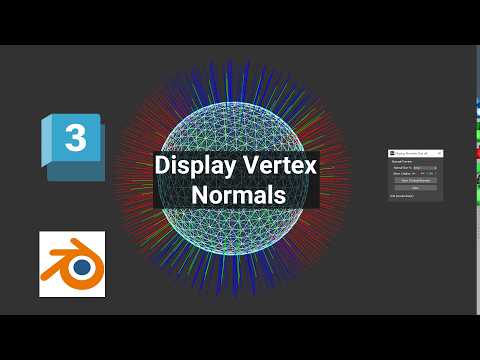

Video From YouTube: SiNi Software
Explore the powerful capabilities of the SiNi Display Normals Tool in Autodesk 3ds Max and Blender. This tutorial guides viewers through visualizing mesh normal directions directly within the viewport, offering a clear method to enhance workflow efficiency. Learn how to create temporary normal preview lines, adjust their display size, and inspect selected geometry for potential orientation and shading issues. The Display Normals Tool is essential for checking surface-normal direction, identifying flipped or inconsistent normals, troubleshooting viewport shading problems, and inspecting imported CAD files. Elevate modeling skills and ensure optimal geometry integrity with this insightful demonstration from 2Shapes.
If you like this content please subscribe to the SiNi Software YouTube Channel

Browse SiNi Software Products
VFX Plugins
Also in Design News