Your Cart is Empty


Install & Set Up V-Ray for Blender: License & Interface | Ep. 2
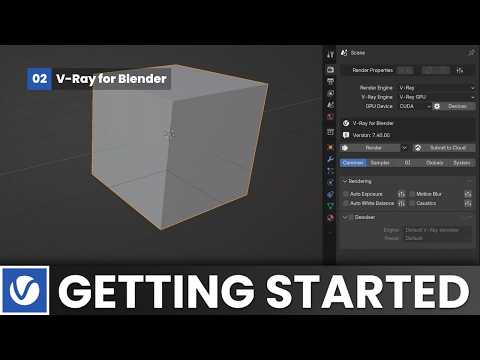

Video From YouTube: Chaos V-Ray
In this episode, viewers will learn how to install V-Ray for Blender and activate their licenses effectively. The video provides a comprehensive walkthrough of the installation process, ensuring users can get V-Ray up and running smoothly. Additionally, it features an insightful tour of the interface, highlighting the native UI changes that enhance the user experience. By the end of the video, viewers will be equipped with essential knowledge to navigate V-Ray for Blender confidently. This tutorial is ideal for those looking to maximize their workflow with professional-grade rendering capabilities.
If you like this content please subscribe to the Chaos Group TV YouTube Channel

Browse Chaos Group Products
Powerful and Easy Rendering
Also in Design News