Your Cart is Empty


Visibility and graphic controls| BricsCAD BIM Essentials V26 | Lesson 21/22
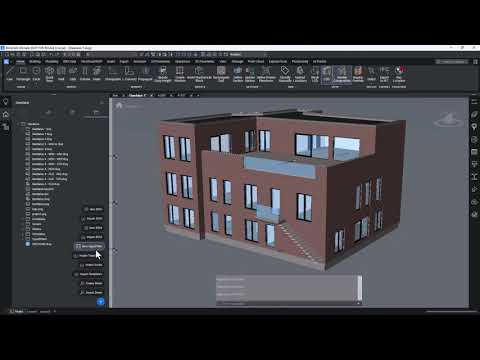

Video From YouTube: Octave BricsCAD
Graebert demonstrates control of graphic output for BIM section drawings using Typed Plans. The tutorial explains how to override default section behavior to apply custom colors, line styles, and tag rules based on BIM properties. Viewers learn to create overrides, define filters, adjust general settings, and choose raster or vector output formats. The workflow covers where Typed Plans are stored, how to import them into projects, and how to apply them to sheets for consistent documentation. Practical examples show managing visibility and graphic controls to streamline documentation and ensure clear, property-driven presentation of section views. Ideal for efficient BIM workflows.
If you like this content please subscribe to the Bricsys YouTube Channel

Browse Bricsys Products
Professional, familiar DWG‐based 2D & 3D CAD
Also in Design News