
Your Cart is Empty


The point cloud manager panel: render settings| Point cloud essentials | Lesson 9

Video From YouTube: Octave BricsCAD
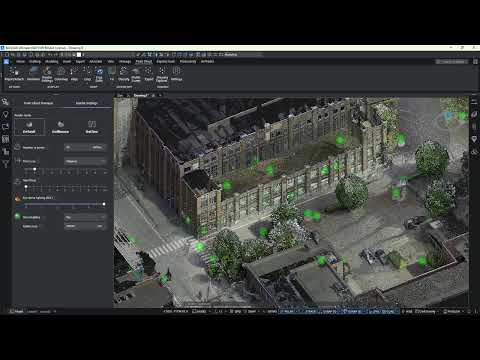
Graebert explains how render settings control point cloud display and performance inside BricsCAD. View modes such as Default, Dollhouse and Outline change point visibility and reveal interior spaces. The video details point normals’ role in rendering, point density adjustments, adaptive and fixed point sizing, and Eye Dome Lighting for depth perception. Techniques for gap filling and bubble visualization are demonstrated, plus tips to balance fidelity and responsiveness. Practical guidance helps optimize visualization for inspection, modeling, and presentation workflows. Suitable for users seeking precise control over point cloud appearance and interactive performance for professionals and learners alike. Clear, concise, and practical.
If you like this content please subscribe to the Bricsys YouTube Channel

Browse Bricsys Products
Professional, familiar DWG‐based 2D & 3D CAD
Also in Design News