
Your Cart is Empty


The bubble viewer | Point cloud essentials | Lesson 10
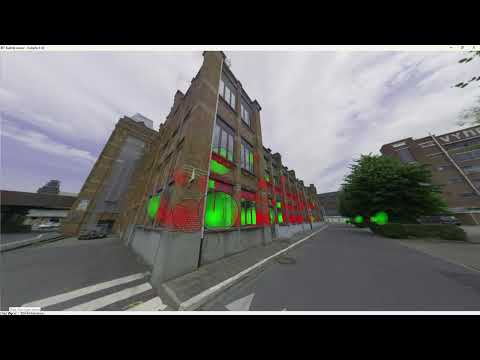

Video From YouTube: Octave BricsCAD
Graebert demonstrates how to inspect scan data from original capture locations using bubbles and the Bubble Viewer in BricsCAD. The lesson explains organization of scan positions, control of visibility at individual scan locations, and use of bubbles to access panoramic views of captured environments. Viewers learn to navigate between scans, synchronize model space with the Bubble Viewer, and distinguish structured from unstructured point clouds. Practical tips for managing scan visibility and aligning panoramas with the 3D model are included, enabling efficient verification and contextualization of point cloud data during design and as-built review workflows. For faster project delivery and collaboration.
If you like this content please subscribe to the Bricsys YouTube Channel

Browse Bricsys Products
Professional, familiar DWG‐based 2D & 3D CAD
Also in Design News