
Your Cart is Empty


The mechanical workspace | Lesson 2/19 | BricsCAD Mechanicals Essentials Course
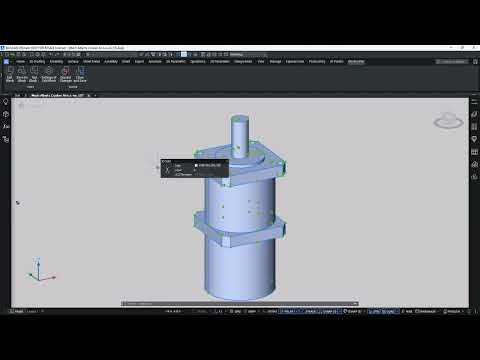

Video From YouTube: Octave BricsCAD
Graebert presents a concise lesson on the mechanical workspace, demonstrating how to launch the environment and select appropriate drawing templates. Key interface elements are explored, including the ribbon, side panels, status bar, the Access 3D toolbar, and the Look From widget. Workflow enhancements such as selection modes, hide-and-isolate tools, and entity management features are shown to streamline model navigation and editing. Essential panels including the Mechanical Browser, BOM Manager, and Library panel are explained to manage assemblies, component properties, bill-of-materials data, and design resources. Practical tips accelerate setup and organization for mechanical drafting and assembly management using BricsCAD Mechanical tools.
If you like this content please subscribe to the Bricsys YouTube Channel

Browse Bricsys Products
Professional, familiar DWG‐based 2D & 3D CAD
Also in Design News






