
Your Cart is Empty


Showcase product variations with animations in KeyShot Studio

Video From YouTube: KeyShot
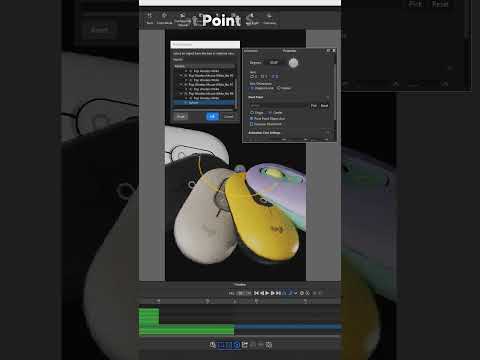
This video offers a comprehensive guide to presenting product variations with dynamic animations in KeyShot Studio. Viewers will learn to utilize the Make Pattern feature to creatively duplicate models in various arrangements, enhancing visual appeal. The tutorial demonstrates how to experiment with nested and stacked layouts for captivating compositions. Additionally, the process of incorporating a pivot point using a sphere is explained, allowing products to rotate seamlessly around a designated center. This step-by-step approach empowers users to showcase their designs more artistically and effectively, elevating their presentations to new heights and captivating their audience.
If you like this content please subscribe to the KeyShot YouTube Channel

Browse Luxion Products
Advanced Lighting Technology
Also in Design News






