
Your Cart is Empty


Sheet metal design methods | BricsCAD Mechanical Essentials | Lesson 16/19
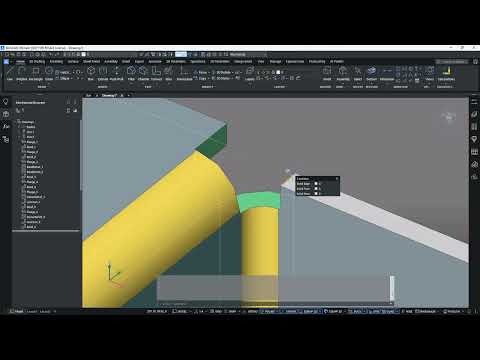

Video From YouTube: Octave BricsCAD
Graebert presents a concise tutorial demonstrating practical sheet metal design workflows in BricsCAD Mechanical. The lesson covers creating parts from scratch and converting existing solids into intelligent sheet metal using conversion tools. Techniques demonstrated include building flanges with SMFLANGE and SMFLANGEEDGE, arranging complex flange geometries, adding slots and standard cutouts from the hole library, applying chamfers, and preparing manufacturing‑ready flat patterns using SMUNFOLD. Practical tips for feature sequencing, unfolding strategy, and maintaining accurate fabrication geometry are provided, helping designers and manufacturers streamline design-to-production processes and deliver reliable, exportable sheet metal parts with BricsCAD Mechanical. Examples emphasize speed, accuracy and manufacturability.
If you like this content please subscribe to the Bricsys YouTube Channel

Browse Bricsys Products
Professional, familiar DWG‐based 2D & 3D CAD
Also in Design News






