
Your Cart is Empty


Converting to sheet metal and repairing | BricsCAD Mechanical Essentials | Lesson 17/19

Video From YouTube: Octave BricsCAD
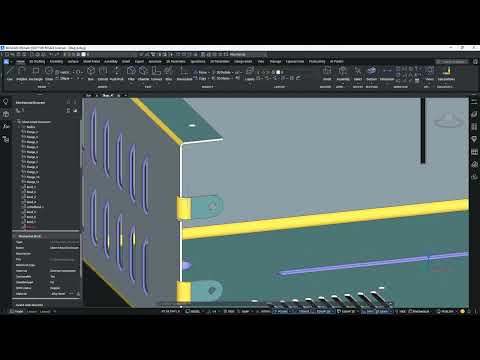
Graebert presents a concise tutorial demonstrating how to convert imported or existing 3D solids into fully functional sheet metal parts using BricsCAD Mechanical’s sheet metal conversion and repair tools. The lesson shows how SMCONVERT automatically recognizes flanges, bends, lofted bends, ribs, form features and holes, transforming conventional solid geometry into editable sheet metal models. Viewers learn workflows to repair geometry, prepare converted parts for unfolding, and export flattened patterns to manufacturing formats. Practical tips for ensuring accurate feature recognition, maintaining manufacturability, and streamlining downstream fabrication processes are highlighted to accelerate production and reduce rework and improve overall product quality metrics.
If you like this content please subscribe to the Bricsys YouTube Channel

Browse Bricsys Products
Professional, familiar DWG‐based 2D & 3D CAD
Also in Design News






