Your Cart is Empty


Rhino 3D Tip: Rhino Texture Mapping: Avoid Stretching & Seams
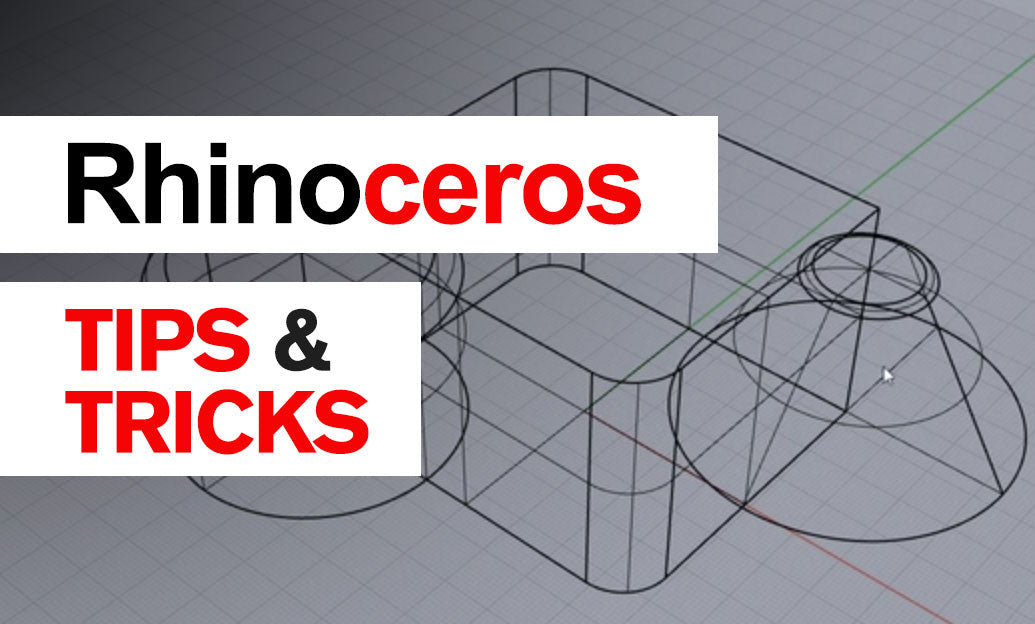

Refine your textures with Rhino’s Texture Mapping toolbox to eliminate stretching, seams, and scale issues. Small mapping adjustments unlock big gains in realism, especially on complex forms.
Choose the right mapping for the job
- Planar: Best for flat parts—panels, floors, walls. Fast and predictable.
- Box: Hard-surface objects with orthogonal faces—furniture, machinery housings.
- Cylindrical: Pipes, bottles, columns. Set and rotate the seam away from camera views.
- Spherical: Domes, knobs, balls. Avoid at poles if the texture has high-frequency details.
- Surface: Single NURBS surfaces—uses intrinsic UVs for low-distortion results.
- Unwrap (UV): Polysurfaces, SubD, and meshes—cut, unfold, and pack islands for the cleanest control.
Quick workflow
- Select an object and open Properties > Texture Mapping.
- Apply an appropriate mapping method (Planar, Box, Cylindrical, Spherical, Surface, or Unwrap).
- Adjust size, rotation, and position numerically in the panel or by manipulating the mapping widget.
- Assign a checkered or grid test texture in the material to reveal stretching and scale errors.
- For multi-texture materials, set distinct Mapping Channels and tune each channel per texture slot (Color, Bump, Roughness, etc.).
- Use MatchMapping to copy a proven setup across similar parts.
Refinement tactics
- Real-world scale: In material textures, define size in project units. Test a 10 mm or 1" checker to verify.
- WCS vs object mapping: World Coordinate System (WCS/box style) is great for tiling materials across many parts; object mapping is best when each part needs distinct orientation.
- Seams: For cylindrical/spherical mapping, position the seam on a hidden edge; rotate a few degrees if it intersects critical features.
- Capping: For Cylindrical mapping, enable caps only when end faces can tolerate radial distortion; otherwise map ends with Planar and blend materials.
- Surface mapping: Prefer for single, clean NURBS patches—minimizes distortion without manual UV work.
- Unwrap like a pro: Mark seams where they’re least visible, unwrap, relax, and pack with adequate margins (important when baking textures).
- Channels and decals: Use a dedicated channel for decals so global mapping adjustments don’t affect labels and logos.
- Normal/Bump/Displacement: These follow the same UVs—fix stretching at the mapping level, not by editing the texture image.
Troubleshooting
- Stretching on curved areas: Switch from Planar/Box to Surface or Unwrap; reduce island area where the pattern needs to read cleanly.
- Mismatched texture scale across parts: Use MatchMapping on objects of similar size; for dissimilar sizes, stick to WCS so the pattern reads consistently scene-wide.
- Visible seams: Rotate seam, expand texture bleeding in your image, or align pattern features across islands using the UV editor.
- Export to other apps: Bake textures and ensure UVs are cleanly packed; test in the target renderer before final delivery.
For licenses, plugins, training, and expert advice, visit NOVEDGE. Explore Rhino solutions and add-ons curated by professionals at NOVEDGE Rhino, and keep your workflow sharp with their ongoing tips and resources.
You can find all the Rhino products on the NOVEDGE web site at this page.
Also in Design News