Your Cart is Empty


Rhino 3D Tip: Mastering Surface Creation and Optimization in Rhino 3D for Enhanced Modeling Efficiency
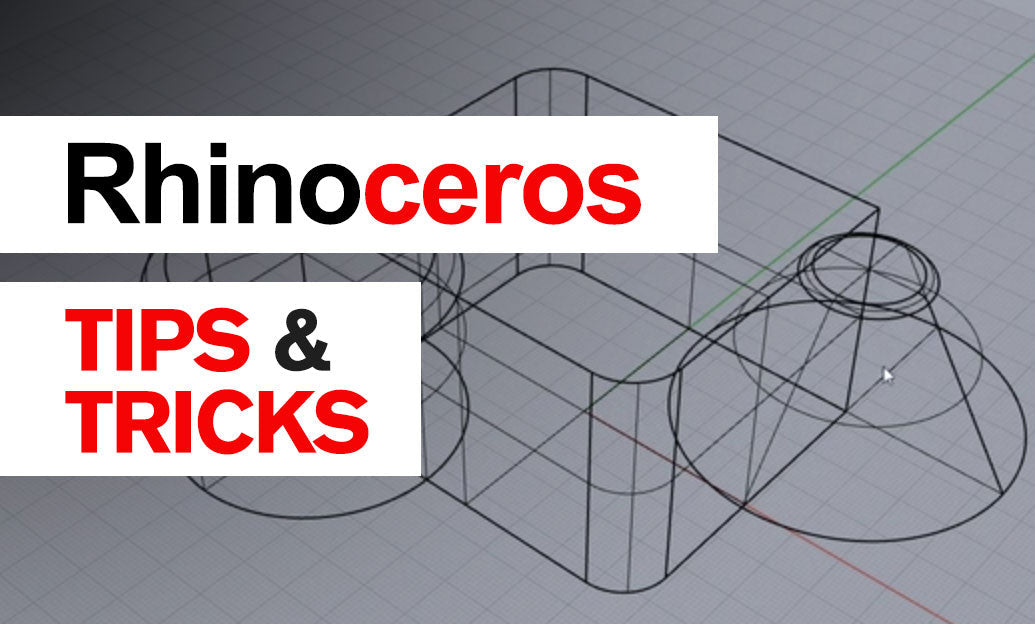

Surfaces in Rhino 3D form the backbone of many design workflows, allowing seamless creation and refinement of complex geometries. By mastering the principles behind these surfaces, you can enhance your modeling efficiency and bring your concepts to life with extraordinary precision. Rhino’s surface tools are highly versatile, letting you build everything from freeform curves to strictly engineered components with controllable continuity.
When working with surfaces, it’s crucial to understand how Rhino represents them internally. Since Rhino primarily uses NURBS (Non-Uniform Rational B-Splines) to define curves and surfaces, you’ll have the advantage of mathematical accuracy and flexible editing tools. This precision ensures that your models maintain the desired curvature and dimensional constraints throughout the design and manufacturing process.
- Use Curves as Building Blocks: Generate robust surfaces by ensuring your input curves are accurate and well-structured. Clean curves directly influence surface quality.
- Maintain Continuity: Pay attention to surface continuity (G0, G1, G2). Smooth transitions between surfaces reduce unwanted creases and enhance overall aesthetics.
- Leverage Control Points: Activate control points to tweak shapes on the fly. Manipulating these points offers precise control over curvature and volume.
- Refine Edges and Joins: Use the Join and MatchSrf commands to ensure edges align perfectly. Mismatched edges can lead to gaps, costing time during downstream processes like manufacturing.
- Monitor Surface Density: Keep an eye on the number of control points. An excessively dense surface can be harder to edit, whereas insufficient detail might limit design nuances.
- Test and Analyze: Utilize analysis tools, such as zebra stripes or curvature analysis, to evaluate reflections, highlights, and transitions. Good surface continuity improves aesthetics and performance.
As you refine your techniques, experiment with advanced commands like Loft, Sweep, and NetworkSrf to rapidly create conceptual surfaces. Combining different methods helps achieve unique shapes, yet remember that consistency in your workflow will save you time. Incorporate best practices, such as naming layers logically and grouping geometry, to keep track of individual surfaces and modifications.
Consider exploring additional plugins or scripts to push surface editing even further. Tools like Grasshopper can automate and parametrize your design, giving you a dynamic model that updates as you change inputs. This synergy between Rhino’s native commands and third-party extensions can prove invaluable for advanced modeling tasks, especially when precision and design iteration go hand in hand.
When you need more resources or support to deepen your understanding of surfaces in Rhino, professionals at NOVEDGE are ready to guide you to the right software solutions. With expert advice and a broad selection of training materials, you have a strong foundation to explore new design possibilities. Additionally, be sure to follow reputable online communities and official tutorials to discover fresh techniques and tips for surface creation in Rhino.
Keep refining and experimenting with different Rhino tools until you find the ones that best fit your specific design needs. By understanding and leveraging the power of surfaces, you’ll be able to elevate your models to greater levels of detail and innovation. Ultimately, it’s the combination of knowledge, practice, and meaningful resources—like those offered by NOVEDGE—that shapes you into a more proficient and efficient Rhino 3D user.
You can find all the Rhino products on the NOVEDGE web site at this page.
Also in Design News