Your Cart is Empty


Rhino 3D Tip: Importance of Model Scale for Accurate Design in Rhino 3D
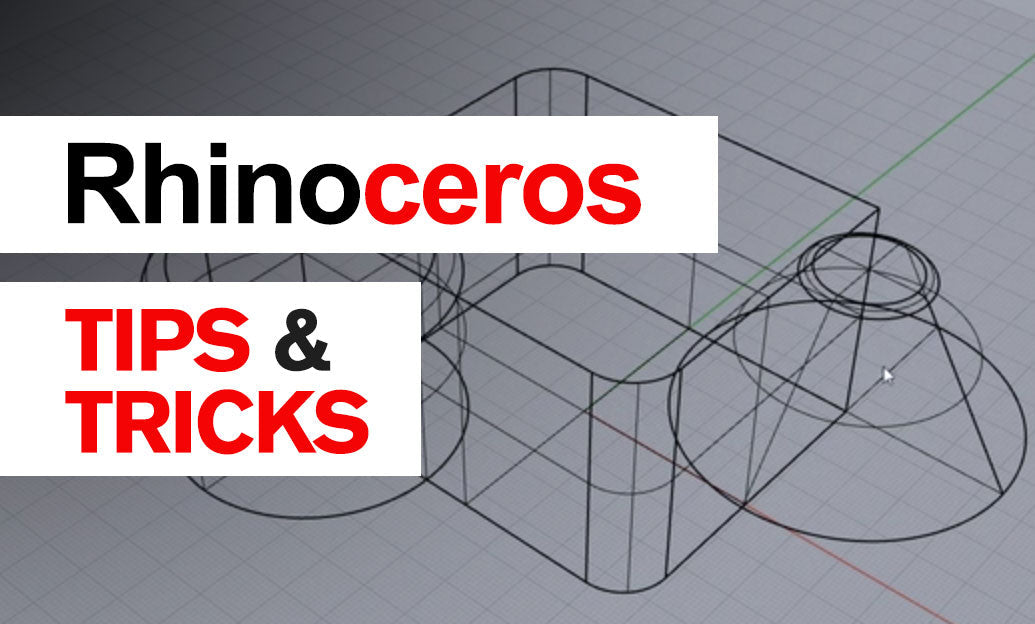

In Rhino 3D Software, understanding the importance of model scale is crucial for precise design and seamless collaboration. Working at the correct scale ensures that your models are accurate, which is essential for manufacturing, 3D printing, and interoperability with other CAD software.
Why Model Scale Matters
- Accuracy: Correct scaling guarantees that dimensions and measurements reflect real-world values.
- Compatibility: Properly scaled models integrate smoothly with other software and workflows.
- Efficiency: Working at the right scale minimizes errors and reduces the need for adjustments later.
Setting Up the Correct Units
Before starting any project, it's essential to set the correct units:
- Go to File > Properties.
- Select Units from the sidebar.
- Choose the appropriate unit system (e.g., millimeters, inches, meters).
Setting units from the outset ensures that all measurements and dimensions correspond to the intended real-world sizes.
Adjusting Model Scale
If you need to adjust the scale of an existing model:
- Select the objects you want to scale.
- Use the
Scalecommand. - Specify a base point and enter the scale factor.
For non-uniform scaling, consider using Scale1D, Scale2D, or ScaleNU commands.
Working with Imported Models
When importing models from other software, discrepancies in scale can occur:
- Check Units: Verify the unit settings of the imported file.
- Use Reference Objects: Compare with a known-size object to assess scale accuracy.
- Apply Scaling: Adjust the model using scaling commands to match the desired dimensions.
Best Practices for Model Scaling
- Consistent Units: Maintain the same unit system throughout your project.
- Use Grids and Snaps: Utilize Rhino's grid and snapping features for precise modeling.
-
Regularly Measure: Use the
DistanceorDimAlignedcommands to check critical dimensions. - Document Settings: Keep track of unit settings when sharing models with collaborators.
Leveraging Resources
Enhance your proficiency with Rhino 3D by exploring resources and tools:
- Visit the Rhino Community Forums for discussions and tips.
- Check out educational materials available at Rhino Learn.
- Discover cutting-edge plugins and tools at NOVEDGE to expand Rhino's capabilities.
Conclusion
Understanding and maintaining the correct model scale is essential for the success of your projects in Rhino 3D. By setting units properly, adjusting scales when necessary, and adhering to best practices, you ensure accuracy and efficiency in your workflow.
Stay ahead in your designs by utilizing the vast array of resources and products available at NOVEDGE, your trusted partner in professional 3D solutions.
You can find all the Rhino products on the NOVEDGE web site at this page.
Also in Design News