Your Cart is Empty


Rhino 3D Tip: Building Clean Solids in Rhino
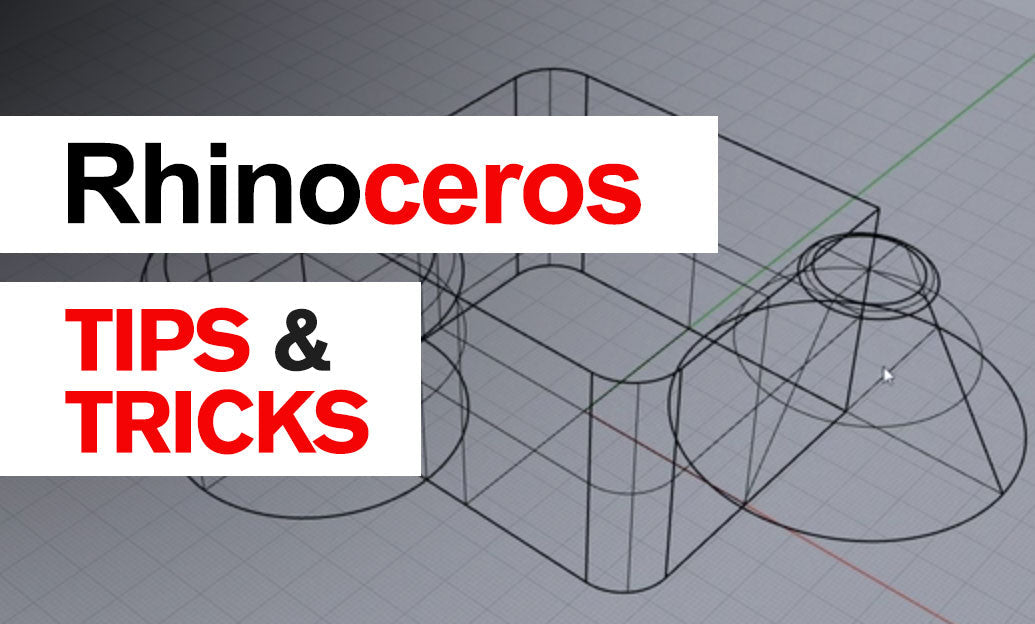

Building solids in Rhino is one of the fastest ways to create geometry that is easier to edit, analyze, document, and manufacture. A well-made solid behaves more predictably in booleans, sectioning, massing studies, and export workflows, so spending a little extra attention here pays off throughout the project.
A strong solid workflow starts with choosing commands that create closed volume from the beginning, instead of patching surfaces later.
- Start with closed profiles whenever possible. If your base curve is planar and closed, commands like ExtrudeCrv with Solid=Yes can instantly create usable solid geometry.
- Use solid-friendly commands first. Box, Cylinder, Sphere, Pipe, ExtrudeCrv, OffsetSrf with Solid=Yes, and Revolve are often the fastest route to clean volume.
- Think in primitives. Complex objects are often easier to build by combining simple solids than by modeling a single complicated form from scratch.
One of the most common mistakes is confusing a closed-looking object with a true closed polysurface. In Rhino, appearance is not enough. Always verify what you have.
- Select the object and check the Properties panel.
- You want Rhino to report Closed polysurface, not just surface or open polysurface.
- Use ShowEdges to detect naked edges if a solid will not join or boolean correctly.
When building solids manually, accuracy matters. Curves should meet cleanly, and surfaces should align without tiny gaps.
- Use Osnaps consistently so profiles actually touch.
- Model near the origin when possible to avoid precision issues in large scenes.
- Check tolerances before joining surfaces. Overly loose tolerances can hide problems, while overly tight settings can make joins fail unnecessarily.
Another smart habit is to decide early whether the form should be surface-led or solid-led. If the end goal is a manufacturable object, solid-led modeling is often the better strategy. For example:
- Use ExtrudeCrv for walls, brackets, and plates.
- Use Revolve for turned parts, bottles, bowls, and rotational components.
- Use Sweep1 or Sweep2 only when the shape truly requires it, then verify whether the result is capped or can be turned into a closed polysurface.
If you already have a set of surfaces, Rhino can still help convert them into a solid:
- Join adjacent surfaces first.
- Use Cap if planar openings remain.
- If capping fails, inspect boundary curves or edge mismatches before moving on.
For hollow forms, OffsetSrf with Solid=Yes is especially useful, but only if the source geometry is clean enough to offset consistently. Tight radii and messy trims often cause failures, so simplify first when needed.
A practical rule: build solids as cleanly as possible before adding details. Fillets, holes, cutouts, and chamfers are usually more successful after the main volume is stable.
If you are refining your Rhino workflow, NOVEDGE’s Rhino collection is a useful place to explore tools and resources, and the broader NOVEDGE site is worth bookmarking for professional 3D software solutions.
The takeaway is simple: build with closed profiles, favor solid-generating commands, verify object status often, and fix edge issues early. In Rhino, clean solids are not just easier to model—they are the foundation of dependable downstream work.
You can find all the Rhino products on the NOVEDGE web site at this page.
Also in Design News