Your Cart is Empty


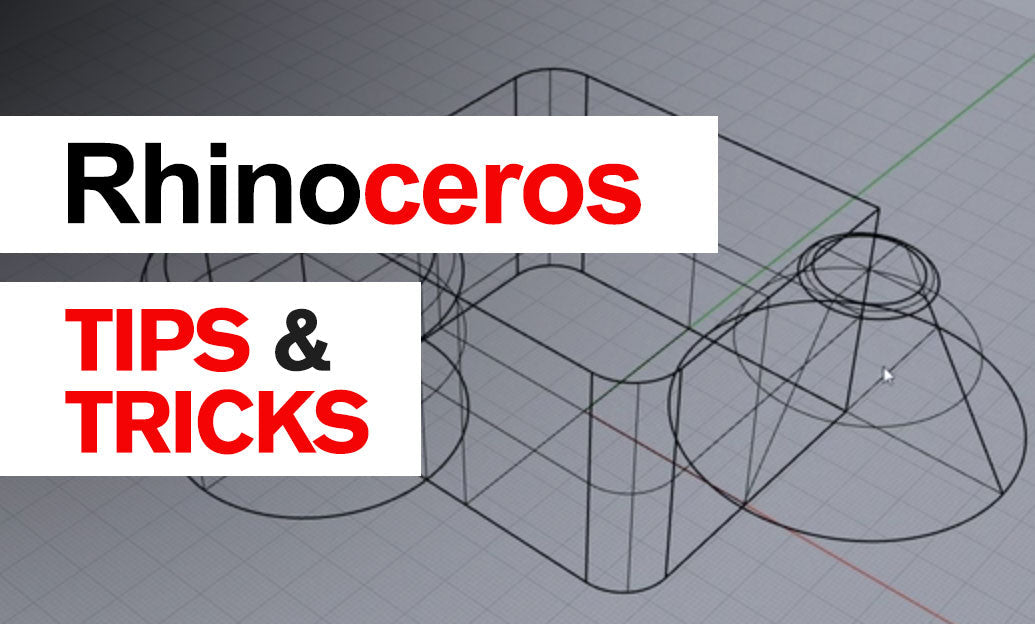

BooleanUnion is the fastest way to combine multiple closed solids into a single, watertight part, simplifying edits, fillets, and downstream documentation. Here’s how to get predictable, production-ready results every time.
When to use it
- Fuse intersecting bodies to create one clean solid for fabrication or printing.
- Enable continuous edge operations (FilletEdge/ChamferEdge) across former part boundaries.
- Reduce object count, simplify layer management, and prepare assemblies for export.
Preflight checklist (do this before BooleanUnion)
- Verify they’re solids: use SelOpenPolysrf and ShowEdges (set to Naked/Non-manifold) to fix leaks first. Volume should report a value (not “unknown”).
- Confirm tolerances: set Absolute tolerance appropriate to model scale (e.g., 0.001–0.01 units for cm/mm work). Update file units/tolerances before modeling large unions.
- Ensure real overlap: parts should intersect volumetrically—not just touch along an edge/face. Slightly extend or nudge parts to create a clear intersection if needed.
- Preview intersections: run Intersect on candidates; you should see continuous, closed intersection curves without tiny gaps or zigzags.
Recommended workflow
- Duplicate the inputs to a “_BU_backup” layer so you can revert if necessary.
- Run BooleanUnion and select all target solids at once (Rhino handles multi-body unions well).
- Inspect the result with ShowEdges. If any naked edges appear, Undo and improve inputs before retrying.
- Cleanup: run MergeAllFaces to collapse coplanar patches; consider SimplifyCrv on any problematic trims (via manual split/join if needed).
Troubleshooting fast
- Union fails or creates holes
- Check inputs with SelBadObjects and Audit3dmFile. Repair or rebuild suspect faces.
- Use Intersect, then Split each solid by the intersection curves; delete interior faces; Join to finish manually.
- Edge-to-edge or face-to-face contact with no volume overlap
- Introduce a small, intentional overlap, then retry. Perfectly coplanar faces often stall booleans.
- Tiny sliver surfaces after union
- Refine the input geometry (clean profiles, Rebuild where appropriate) and re-run. Use MergeAllFaces post-union.
- Working with SubD or meshes
- Use SubDBooleanUnion for SubD objects and MeshBooleanUnion for meshes to avoid NURBS conversion surprises.
Pro moves
- Set a command alias (e.g., “bu” → BooleanUnion) for speed.
- Use Selection Filter (Polysurfaces) to avoid grabbing curves or meshes accidentally.
- After a successful union, run FilletEdge/ChamferEdge across the new, continuous solid for smooth transitions.
- Document with Make2D or export as STEP for CAD exchange once the model is clean and watertight.
Need Rhino, training, or plugins? Explore Rhino solutions and expert support at NOVEDGE. If you’re upgrading or outfitting a team, check out Rhino 3D at NOVEDGE for competitive pricing and advice tailored to your workflow.