
Your Cart is Empty


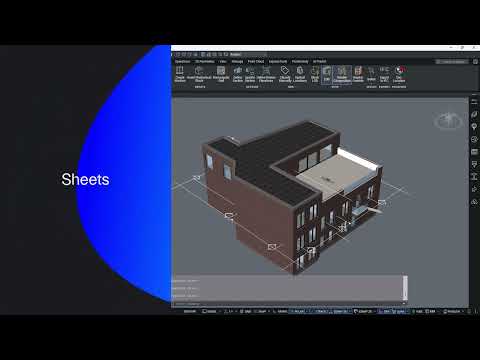
Quick overview of the BIM project browser| BricsCAD BIM Essentials V26 | Lesson 17/22

Video From YouTube: Octave BricsCAD
Graebert presents a concise guide to the BIM Project Browser, explaining the Info, Sections, Views, Sheets, and Files tabs and how they structure project data. The lesson demonstrates creating sheets, placing sections, managing custom properties, updating views, and organizing project folders. It also covers marking master models and configuring file visibility to control model access. View and sheet management workflows are shown to simplify navigation and coordination across a BIM project. Ideal for users adopting BricsCAD BIM V26, the tutorial provides a practical introduction to navigating, structuring, and controlling BIM project information. Clear demonstrations accelerate project setup and team collaboration.
If you like this content please subscribe to the Bricsys YouTube Channel

Browse Bricsys Products
Professional, familiar DWG‐based 2D & 3D CAD
Also in Design News






