
Your Cart is Empty


Python Scripting in CAD: Automating Geometry, Validation, and Design Workflows
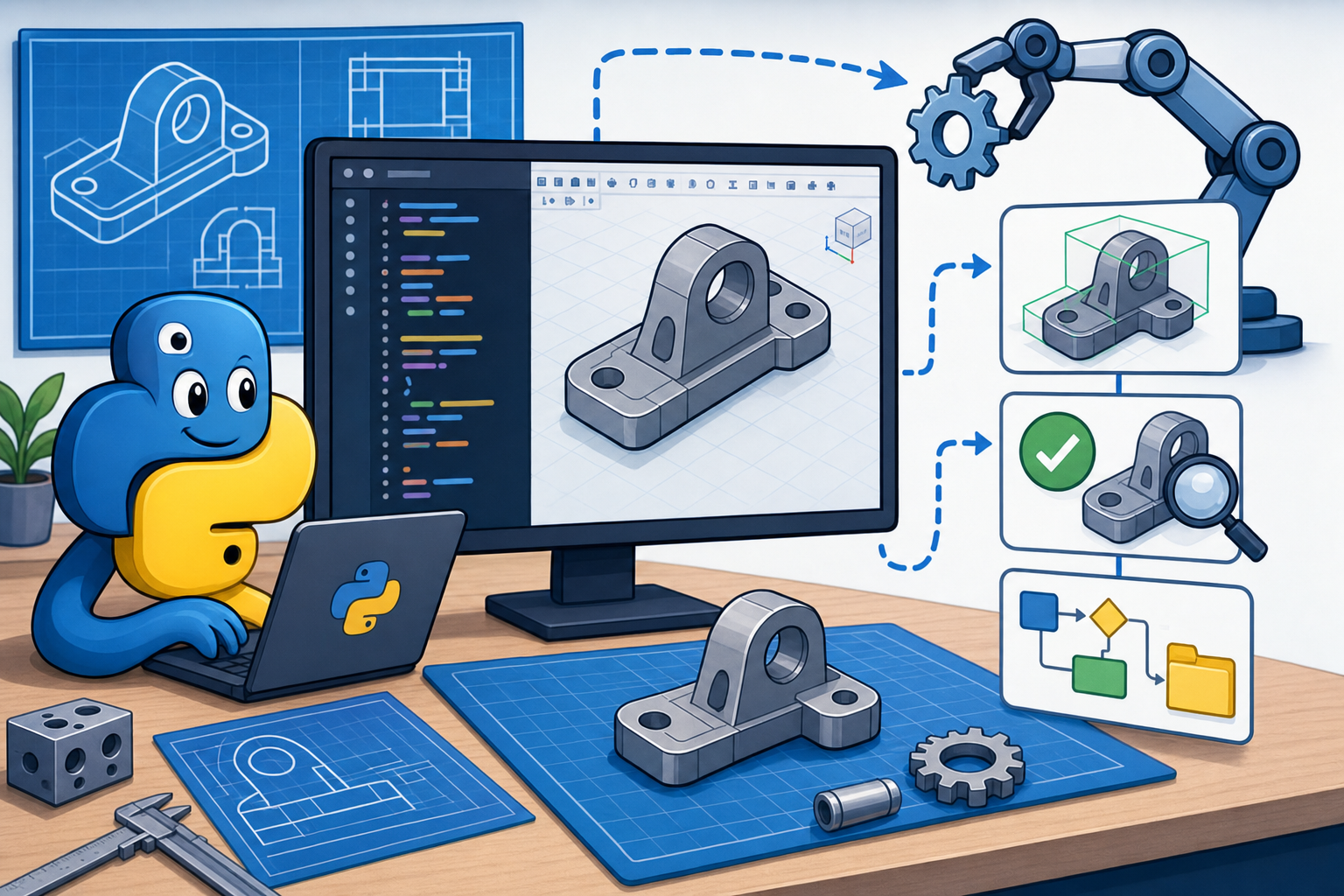


Python Scripting Is Moving CAD Beyond Manual Modeling
From Geometry Creation to Workflow Control
Python scripting is becoming a core CAD skill because modern design work is no longer limited to creating geometry one feature at a time. Product teams now manage families of parts, variant-heavy assemblies, simulation checkpoints, manufacturing constraints, documentation packages, supplier data, and revision histories that shift continuously throughout development. Traditional CAD macros can still accelerate small repetitive actions, but they rarely provide enough flexibility to coordinate the broader design process. Python fills that gap by allowing designers and engineers to build workflows that read data, make decisions, generate geometry, validate outputs, and communicate with external systems. This is the central shift: the designer is not only modeling a part, but also defining a system for producing correct models repeatedly. In that sense, CAD automation is evolving into workflow orchestration, where geometry becomes one output of a larger computational process. The value is especially visible when a product has many configurations, when documentation must be regenerated often, or when engineering rules must be applied consistently across large model libraries.
- Repetitive design actions can be converted into reliable scripted procedures.
- Parameters can be connected to spreadsheets, databases, or configuration files.
- Geometry can be checked automatically before release or manufacturing review.
- Drawings, exports, and reports can be generated without manual file handling.
Why Python Became the Language Designers Actually Use
Readability, Ecosystem Strength, and Platform Support
Python has become the preferred language for CAD automation because it balances accessibility with technical depth. Many designers, architects, manufacturing engineers, and simulation specialists are not full-time software developers, so a scripting language must be readable enough to understand after weeks or months away from a project. Python’s syntax is close to plain procedural thinking: define variables, loop through items, call functions, and handle results. That readability matters when scripts become part of a team’s engineering knowledge rather than a private shortcut maintained by one expert. At the same time, Python has a mature ecosystem for geometry processing, numerical computation, data analysis, visualization, web APIs, file management, and machine learning. Many CAD, BIM, CAM, and simulation platforms either include Python directly or expose APIs that can be automated from Python-based pipelines. This combination makes Python a practical common layer between design software and engineering data. It can interact with spreadsheets, parse JSON metadata, call optimization routines, trigger simulation jobs, or export neutral file formats, all without forcing the design team into a full enterprise software development stack.
- Python is easier to read than many traditional API languages used in legacy CAD environments.
- Libraries such as NumPy, pandas, matplotlib, Requests, and SciPy extend CAD scripting into computation and data workflows.
- Its cross-platform nature makes it useful in desktop, cloud, and server-side automation contexts.
- Its large community reduces the time needed to solve file, API, database, and visualization problems.
Common CAD Tasks That Immediately Benefit From Scripting
Where Automation Delivers Measurable Productivity
The strongest argument for Python in CAD is not abstract technical elegance; it is the number of routine design tasks that become faster and more reliable when scripted. Repetitive model generation is the most obvious example. A designer might need twenty sizes of a mounting plate, each with different hole spacing, edge offsets, thickness values, and engraving labels. Manually building and checking every version introduces delay and inconsistency, while a Python script can read a configuration table and generate every model in a controlled way. The same logic applies to parameter-driven assemblies, where a frame, enclosure, fixture, or duct system changes according to load, space, airflow, or equipment constraints. Batch file conversion is another frequent use: teams may need STEP, STL, DXF, PDF, and native CAD exports for downstream partners. Python can open files, update them, regenerate references, and export the required formats with consistent naming conventions. Documentation also benefits because drawing sheets, revision tables, balloon labels, and bill-of-material summaries often follow rules that can be encoded. These uses make scripted CAD workflows valuable even before advanced optimization or artificial intelligence enters the discussion.
- Generate part families from consistent dimensional rules.
- Update assemblies after design-table or supplier-data changes.
- Export hundreds of files while preserving naming, folder, and revision logic.
- Extract mass, materials, surface area, bounding boxes, and custom properties.
- Check known design rules before models enter manufacturing review.
Parametric Model Generation Inside CAD Environments
Turning Configuration Tables Into Geometry
Parametric model generation is one of the most practical Python workflows because CAD models are already built around features, dimensions, constraints, relations, and references. Python simply gives the designer a stronger way to control those parameters from outside the manual interface. Imagine a family of aluminum extrusion brackets used across several machine sizes. The bracket length, slot spacing, hole diameter, fillet size, thickness, and counterbore depth may depend on load class, fastener standard, and available installation space. A Python script can read a spreadsheet where each row defines a particular bracket variant, open a template model, assign parameter values, suppress or unsuppress features, rebuild the geometry, check whether critical dimensions fall within allowed limits, and export the result. The same pattern works for sheet-metal panels, injection-molded housings, architectural façade modules, custom jigs, piping supports, and additive manufacturing lattices. The practical advantage is not just speed; it is consistency across variants. A manual process may forget a fillet, naming rule, or manufacturing clearance, but parameter-driven automation applies the same design intent every time unless the input data or script logic changes.
- Keep a clean template model with stable feature names and documented parameters.
- Use external configuration tables for dimensions, materials, finishes, and options.
- Validate inputs before applying them to the CAD model.
- Log generated variant names, timestamps, parameter values, and export locations.
Batch Automation for Large Model Libraries
Managing Hundreds of Files Without Manual Repetition
Batch automation is where Python often produces immediate return on effort because design teams frequently manage more files than any person can update comfortably. A supplier component changes, a company logo is revised, a material property must be corrected, a drawing template is replaced, or a manufacturing partner requests a new export format for every released part. Without scripting, this becomes days of opening files, waiting for rebuilds, checking references, saving copies, and hoping that nothing was missed. With Python, the workflow can be formalized: collect file paths, open each CAD file through the software API, update specific parameters or properties, rebuild, verify that the model is not in an error state, export required formats, and write a processing report. The report is important because automation should be auditable. It should show which files succeeded, which failed, what changed, and what requires human review. This is where CAD automation becomes a quality-control method rather than merely a time-saving trick. Batch scripting also helps standardize outputs across product lines, ensuring that file naming, units, coordinate orientation, metadata tags, and revision markers remain consistent.
- Convert native CAD files into STEP, IGES, STL, DXF, PDF, or lightweight visualization formats.
- Regenerate drawings after model parameter updates.
- Replace title blocks, material entries, or custom properties across many files.
- Detect failed rebuilds, broken references, missing configurations, or invalid exports.
Geometry Inspection and Automated Design Rule Checking
Finding Problems Before They Become Expensive
Python becomes especially valuable when it is used to inspect geometry rather than merely create it. Many manufacturability and design-quality problems are detectable long before a human reviewer studies the model in detail. A script can analyze thickness values, hole distances, bounding boxes, component clearances, interference risks, unsupported additive manufacturing overhangs, minimum bend radii, draft angles, or invalid topology. Some checks require direct access to the CAD model’s boundary representation, while others can operate on exported mesh or neutral geometry. For example, a plastic enclosure script might verify that wall thickness falls within a specified range, boss diameters match screw standards, rib thickness is a percentage of adjacent walls, and mounting holes maintain a minimum distance from edges. A sheet-metal script might check bend relief dimensions, flange lengths, grain direction notes, and flat-pattern availability. This kind of automated design rule checking does not eliminate engineering judgment; it reduces the number of obvious errors that reach specialists, suppliers, or production teams. It also makes standards enforceable because rules are embedded into repeatable procedures rather than stored only in documents that designers may interpret differently.
- Check minimum wall thickness for machining, molding, or additive manufacturing.
- Detect components too close to moving parts, heat sources, or fastener access paths.
- Identify missing materials, invalid mass properties, or incomplete custom metadata.
- Flag topology issues such as open edges, non-manifold meshes, and failed feature rebuilds.
Metadata, BOM, and Documentation Automation
Connecting Geometry to Product Information
Every CAD model carries information beyond its visible shape, and Python is effective at extracting, validating, and distributing that information. Part numbers, descriptions, material grades, finish notes, weights, supplier references, cost estimates, lifecycle states, revision levels, and compliance attributes are often stored as custom properties or connected to external systems. If that metadata is inconsistent, the downstream consequences are serious: wrong parts appear on bills of materials, purchasing receives incomplete information, drawings show outdated descriptions, and product lifecycle systems lose synchronization with actual design content. A Python workflow can scan model libraries, read metadata fields, compare them against approved naming conventions or PLM records, and produce exception reports. It can also generate structured BOM outputs for quoting, procurement, assembly planning, or sustainability assessment. In documentation workflows, Python can help populate title blocks, create drawing sheets, update revision tables, export PDFs, and attach manufacturing notes based on model properties. The deeper value is that geometry and product data become part of the same automated workflow. Rather than treating CAD as a visual artifact and data management as a separate administrative burden, scripting helps keep both aligned throughout the product lifecycle.
- Extract material, mass, volume, surface area, and bounding size from model files.
- Compare CAD properties against approved ERP or PLM records.
- Create BOM exports grouped by assembly, material, supplier, or manufacturing process.
- Update drawing title blocks and revision fields from a trusted data source.
Simulation Preparation and Variant Generation
Reducing the Friction Between CAD and Analysis
Simulation often exposes one of the biggest inefficiencies in engineering workflows: the model designed for manufacturing detail is not always the model needed for analysis. Small fillets, fastener threads, cosmetic features, tiny holes, imported supplier geometry, and unnecessary assembly details can slow meshing or create unstable results. Python can coordinate simulation preparation by suppressing nonessential features, simplifying assemblies, assigning materials, defining named selections, generating load and boundary-condition variants, and exporting solver-ready files. For example, a bracket family may require different thicknesses, rib patterns, and mounting conditions to understand stiffness and stress trade-offs. A Python script can generate those geometry variants, assign standardized material properties, call a simulation API or preprocessing tool, and collect result summaries for comparison. In architectural and building performance workflows, similar logic can generate envelope options, solar shading geometries, airflow volumes, or structural framing alternatives. The important principle is that simulation-ready geometry should not depend entirely on manual cleanup each time a model changes. By scripting repeatable preparation steps, teams reduce the time between design iteration and analytical feedback, making simulation part of routine design exploration rather than a late-stage validation event.
- Suppress unnecessary small features before meshing.
- Create simplified configurations for structural, thermal, or flow analysis.
- Assign materials, coordinate systems, loads, and named regions consistently.
- Export result summaries into spreadsheets or dashboards for design comparison.
Connecting CAD Scripts to Spreadsheets, PLM, Databases, and APIs
Making CAD Part of a Larger Digital Thread
Python becomes far more powerful when it connects CAD to the systems where engineering intent, commercial constraints, and manufacturing knowledge already live. Spreadsheets remain common because design teams use them for sizing formulas, configuration tables, cost calculations, and project-specific assumptions. Python can read those spreadsheets, validate inputs, generate geometry, and write back calculated values such as mass or envelope dimensions. Product lifecycle management systems add another layer by controlling part numbers, revisions, approval states, and release history. A script can query PLM data, ensure that CAD properties match authorized records, and prevent files from being exported with obsolete metadata. Cloud databases and web APIs extend the workflow further, allowing scripts to retrieve supplier dimensions, approved fastener catalogs, sustainability data, machine capacity limits, or pricing inputs. Optimization engines can propose geometry parameters, while manufacturing rule sets can constrain them. In this architecture, CAD is no longer an isolated authoring tool; it becomes one participant in a connected digital thread. Python is well suited to this role because it can communicate through files, databases, REST APIs, command-line tools, and platform-specific SDKs without forcing every system into a single vendor environment.
- Use spreadsheets for accessible parameter control and engineering formulas.
- Use PLM connections to verify revision, ownership, part number, and lifecycle state.
- Use databases for approved components, cost models, material libraries, and manufacturing limits.
- Use APIs to connect CAD workflows with quoting systems, simulation services, or cloud automation tools.
From Simple Scripts to Intelligent Design Automation
Encoding Engineering Knowledge Into Repeatable Decisions
The most advanced use of Python in CAD is not simply accelerating clicks; it is enabling scripts to make structured decisions based on engineering knowledge. A basic script may create a hole pattern, but an intelligent automation tool can decide which fastener standard to use, calculate edge distances, select compatible inserts, check torque requirements, and flag conflicts with adjacent components. This is where design automation begins to resemble a rule-based engineering assistant. For an electronics enclosure, a Python workflow could accept PCB size, connector locations, thermal requirements, ingress protection level, mounting method, and manufacturing process as inputs. It could then generate enclosure dimensions, wall thicknesses, vent patterns, standoffs, ribs, gasket grooves, and screw bosses while checking design rules for molding, machining, or additive manufacturing. For a structural bracket, a workflow could generate several topology patterns, calculate approximate stiffness targets, trigger analysis, and rank alternatives by mass, displacement, and stress margin. This transforms CAD into a computational design platform where models are produced, tested, compared, and refined through encoded intent. The designer remains essential because automation needs constraints, priorities, exceptions, and interpretation, but the repetitive search through valid configurations becomes much more scalable.
- Automatically select standard components based on load, size, material, and availability.
- Generate compliant geometry variants from engineering and manufacturing rules.
- Compare alternatives using weight, cost, stiffness, thermal behavior, or build time.
- Flag invalid options before they consume detailed design or analysis resources.
Practical Examples of Smarter CAD Automation
Design Tools That Generate, Check, and Rank Alternatives
A useful way to understand intelligent CAD automation is to look at the mechanics of a scripted design tool. Consider a bracket generator used for equipment mounting. The designer enters load direction, attachment surface, maximum envelope, preferred material, fastener family, and allowable deflection. The Python workflow calculates initial geometry proportions, creates several bracket variants with different rib layouts and thicknesses, verifies minimum drill clearances, exports simplified analysis models, runs structural checks, and returns a ranked table showing mass, maximum stress, displacement, and manufacturing notes. The designer can then choose an option based on engineering trade-offs rather than manually modeling every possibility. Another example is a supplier-change update tool. If a purchased motor, sensor, connector, or hinge changes dimensions, Python can identify affected assemblies, update envelope keep-outs, regenerate hardware mounts, check interferences, and create a list of files needing review. A third example is an enclosure configurator that adapts to cooling requirements by selecting vent area, fan mounts, heat-sink clearances, or sealed-wall alternatives. These workflows show that automation can preserve design intent while expanding design exploration. Instead of replacing expert judgment, the script performs structured variation and verification so engineers spend more time evaluating meaningful options.
- Bracket automation: generate alternatives, run checks, and rank by performance metrics.
- Enclosure automation: adapt geometry to PCB size, cooling strategy, connectors, and manufacturing method.
- Configuration update automation: propagate supplier changes across model libraries and assemblies.
- Manufacturability screening: reject options that violate process-specific rules before detailed release.
Maintaining Reliable Scripts as CAD Models and APIs Evolve
Why Automation Requires Engineering Discipline
The main challenge with Python-driven CAD automation is maintenance. Scripts depend on feature names, parameter structures, file locations, API behavior, template models, design standards, and organizational conventions. When any of those change, a previously reliable script can fail or, worse, produce geometry that appears valid but violates current intent. This is why CAD scripting should be treated as an engineering asset rather than a disposable shortcut. Good scripts validate inputs, handle errors clearly, log results, avoid hard-coded assumptions where possible, and include documentation explaining what they control. Template models should use stable naming for critical dimensions, sketches, reference planes, configurations, and features. Scripts should be version controlled so teams can see what changed and revert when needed. Testing is also important: a representative set of model configurations should be regenerated after script modifications to confirm that outputs remain correct. When CAD APIs change between software releases, scripts should be reviewed before production use. The target is not perfect software engineering overhead; it is pragmatic reliability. Design automation succeeds when scripts remain understandable, testable, and aligned with current design standards, especially as models, suppliers, product requirements, and software platforms evolve.
- Use clear parameter names and stable template-model structures.
- Store scripts in version control with meaningful change notes.
- Log every automated operation, including inputs, outputs, failures, and warnings.
- Test scripts against known configurations before using them on released work.
- Review scripts after CAD software, API, or company standard updates.
Python as the Bridge Between Design Intent and Scalable Automation
The Emerging CAD Skill Set
Python scripting is becoming one of the most practical ways to make CAD workflows faster, smarter, and more consistent because it connects design intent with repeatable execution. Its real value is not replacing designers, engineers, architects, or manufacturing specialists; it is amplifying their expertise so that rules, checks, configurations, and outputs can be applied at scale. Teams that adopt scripting reduce manual work, but they also improve quality by making critical procedures explicit. A dimensioning rule hidden in an experienced designer’s memory can become a script that checks every generated model. A manufacturing constraint buried in a standards document can become a validation function that rejects invalid geometry. A repetitive export routine can become an auditable release process. The future of CAD will likely favor hybrid professionals who understand both geometry and computation, both design intent and data flow, both creative exploration and procedural reliability. As design software becomes more connected to simulation, manufacturing, visualization, cloud services, and lifecycle platforms, Python will remain a powerful bridge between geometry, data, simulation, manufacturing, and product lifecycle systems. The strongest organizations will not automate blindly; they will automate the parts of design work where consistency, speed, traceability, and scalable knowledge produce better decisions.
Also in Design News






