
Your Cart is Empty


Modeling with masses using direct modeling tools | BricsCAD BIM Essentials V26 | Lesson 8/22
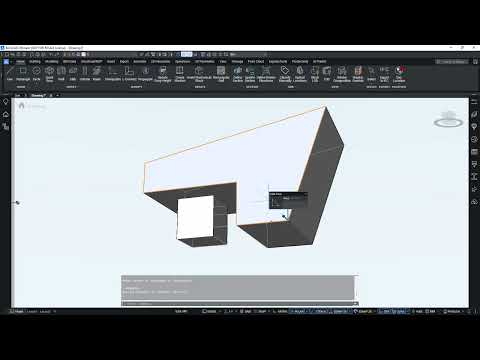

Video From YouTube: Octave BricsCAD
Explore efficient direct-modeling workflows for converting conceptual massing into detailed BIM geometry with BricsCAD BIM V26. Demonstrates rotating faces, extruding forms, shelling solids, and splitting geometry into separate BIM elements. Techniques for cleaning connections using LCONNECT and TCONNECT are covered, along with creating floors, duplicating slabs, and connecting slanted walls. Emphasis is placed on preparing geometry for reliable BIM classification and on practical strategies for splitting and cleaning complex masses. Ideal for users transitioning from conceptual models to precise BIM-ready components. Sample practice files and resources are available from Graebert to reinforce learning and improve modeling efficiency across projects worldwide.
If you like this content please subscribe to the Bricsys YouTube Channel

Browse Bricsys Products
Professional, familiar DWG‐based 2D & 3D CAD
Also in Design News






