
Your Cart is Empty


Mesh to CAD: Broken Drive Coupling from 3D Scan | QUICKSURFACE
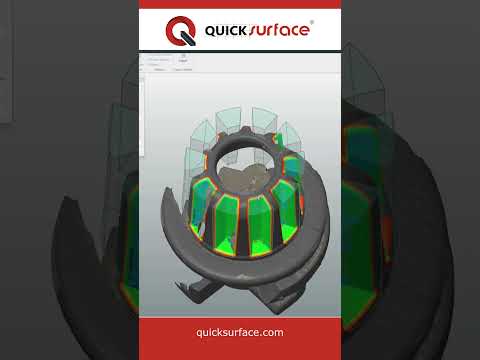

Video From YouTube: QUICKSURFACE
QuickSurface demonstrates a complete mesh-to-CAD workflow for a damaged drive coupling obtained via 3D scanning. The process covers mesh import, scan alignment, cleanup, feature extraction, and surface reconstruction to create a manufacturable CAD model. Precision checks compare the resulting geometry against the original scan to validate dimensional accuracy. Steps include hole and shaft feature recreation, parametric surfacing, and model export for downstream CAD/CAM use. The video highlights practical techniques for reverse engineering worn or broken parts, improving repair and replacement workflows, and accelerating inspection-informed design iterations using dedicated mesh-to-CAD tools. Detailed measurement reports support quality control and manufacturing decision-making process.
If you like this content please subscribe to the QuickSurface YouTube Channel

Browse QuickSurface Products
From 3D Scan to CAD model
Also in Design News






