
Your Cart is Empty


How to Use Physics Simulation in KeyShot Studio
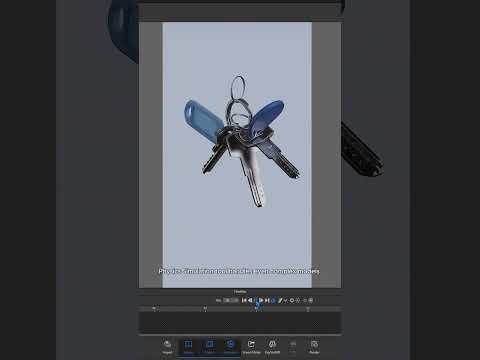

Video From YouTube: KeyShot
In this informative tutorial from Luxion, viewers will discover the powerful capabilities of Physics Simulation within KeyShot. The session focuses on a hands-on project, where a keychain is created using intricate split ring models to showcase the tool's potential. Essential tips, such as ensuring that models are appropriately positioned to avoid collisions with the ground during simulation, are provided for optimal results. Additionally, the video guides users through accessing the Physics Simulation tool and selecting models for inclusion, making it an invaluable resource for anyone looking to enhance their rendering skills and achieve realistic animations in KeyShot.
If you like this content please subscribe to the KeyShot YouTube Channel

Browse Luxion Products
Advanced Lighting Technology
Also in Design News






