
Your Cart is Empty


How to Use Custom Control Settings in KeyShot Studio
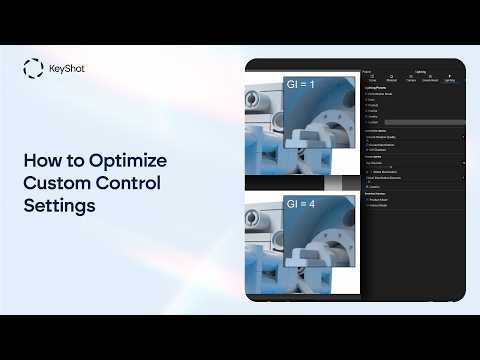

Video From YouTube: KeyShot
Learn how custom control settings in KeyShot Studio can provide precise control over rendering quality. Luxion Solutions Engineer Eugen explains how the three available quality modes—maximum samples, maximum time, and custom control—differ in practice. While maximum samples and maximum time operate similarly to the real-time view, custom control uses a separate rendering method for greater flexibility. Viewers will discover how to adjust individual quality parameters independently, helping balance image fidelity, rendering speed, and workflow requirements. This walkthrough is designed to support artists, designers, and visualization professionals seeking more predictable results and efficient control over their rendering process in KeyShot Studio.
If you like this content please subscribe to the KeyShot YouTube Channel

Browse Luxion Products
Advanced Lighting Technology
Also in Design News






