
Your Cart is Empty


How to Optimize Jewelry Scenes in KeyShot Studio
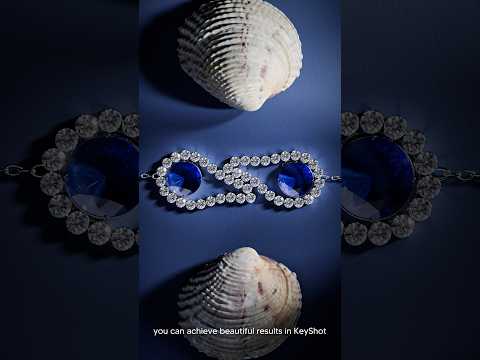

Video From YouTube: KeyShot
Jewelry rendering in KeyShot Studio becomes more approachable with a few focused adjustments. Start by evaluating the amount and placement of light in the HDRI environment. Closely positioned pins or a bright, ready-made HDRI can add brilliance and vibrancy to faceted gemstones. Material accuracy is equally important: the closer settings match real-world metals, gemstones, and finishes, the more convincing the result will appear. Refine roughness, reflectivity, and color while checking highlights from multiple angles. These practical techniques from Luxion help simplify complex jewelry scenes, improve realism, and create polished visuals suitable for presentations, marketing materials, product reviews, and design development.
If you like this content please subscribe to the KeyShot YouTube Channel

Browse Luxion Products
Advanced Lighting Technology
Also in Design News






