Your Cart is Empty


How to optimize KeyShot Studio rendering performance + results
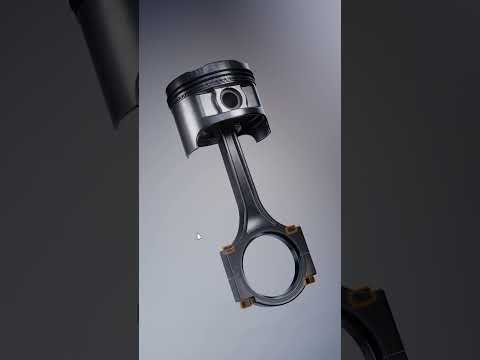

Video From YouTube: KeyShot
In this informative video, viewers learn essential techniques for enhancing rendering performance in KeyShot Studio. The expert, Ben Robson, shares valuable insights on optimizing scenes to improve efficiency and reduce render times. Key tips include utilizing the re-tessellation tool, which is crucial when transitioning models from CAD to KeyShot. This tool helps maintain high-quality models while effectively managing polygon counts, ensuring that memory usage is minimized. Additionally, the video addresses strategies for handling models without NURBS data, providing a comprehensive guide to achieving optimal performance in rendering tasks. Ideal for users seeking to streamline their workflow in KeyShot.
If you like this content please subscribe to the KeyShot YouTube Channel

Browse Luxion Products
Advanced Lighting Technology
Also in Design News