
Your Cart is Empty


Glass Too Dark in Cinema 4D?
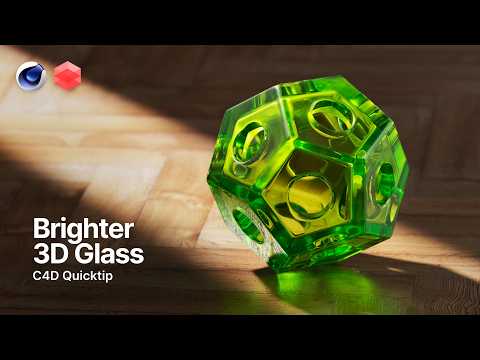

Video From YouTube: Greyscalegorilla
In this insightful tutorial from Greyscalegorilla, users will learn how to effectively adjust the Transmission Depth setting in Redshift to enhance the appearance of colored glass materials. This quick tip will ensure that glass renders beautifully, avoiding the common issue of overly dark glass in visual projects. The video showcases products from the Glass Materials Collection and highlights the capabilities of Cargo, making it easier for artists to create stunning renders in less time. Viewers are encouraged to explore additional resources, including free assets and community support through Discord, to further enhance their 3D rendering skills.
If you like this content please subscribe to the Greyscalegorilla YouTube Channel

Browse Greyscalegorilla Products
Tools + Training for 3D
Also in Design News






